
Secure File Sharing Software
for Business
Progress ShareFile secure file sharing software is built for today's business needs—where privacy, speed and compliance take priority.
A Trusted Leader in Secure Document Workflow Solutions






Moving Beyond Traditional File Sharing Methods
Most file-sharing tools weren't built with everyday business workflows in mind. They can introduce security challenges, reduce visibility and often require teams to rely on manual processes to support compliance efforts. Common pain points include:
- Sending files through vulnerable emails or third-party apps
- Lacking control over who views or downloads documents
- Confusing version history and painstaking manual file tracking
- Struggling to meet industry compliance requirements (HIPAA, SOC 2, FINRA, etc.)
- Frustrating experiences for clients and collaborators
ShareFile products were built to support the way your business works, giving teams a simple way to collaborate—without the risk or hassle. From large file transfers to regulated document workflows, ShareFile software offers enterprise-grade features that enable data protection and collaboration in one easy-to-use platform.

All-in-One File Sharing and Collaboration
ShareFile allows for smooth internal and external collaboration, combining enterprise-grade security with a clean, intuitive experience that helps your team send files, protect data and support compliance.
With ShareFile software, you can:
Share large files with clients and coworkers
Use AI-powered tagging and search to efficiently find documents
Set file or folder-level permissions to manage access and downloads
Leverage customizable client portals to streamline document/information exchanges
Track every action with activity logs, version history and real-time security alerts
How Secure File Sharing Works
Secure file sharing helps protect your content through encryption, permission-based access and user activity monitoring. Unlike generic tools, ShareFile helps keep sensitive documents more secure throughout each stage of the workflow.
Learn More About Secure File Sharing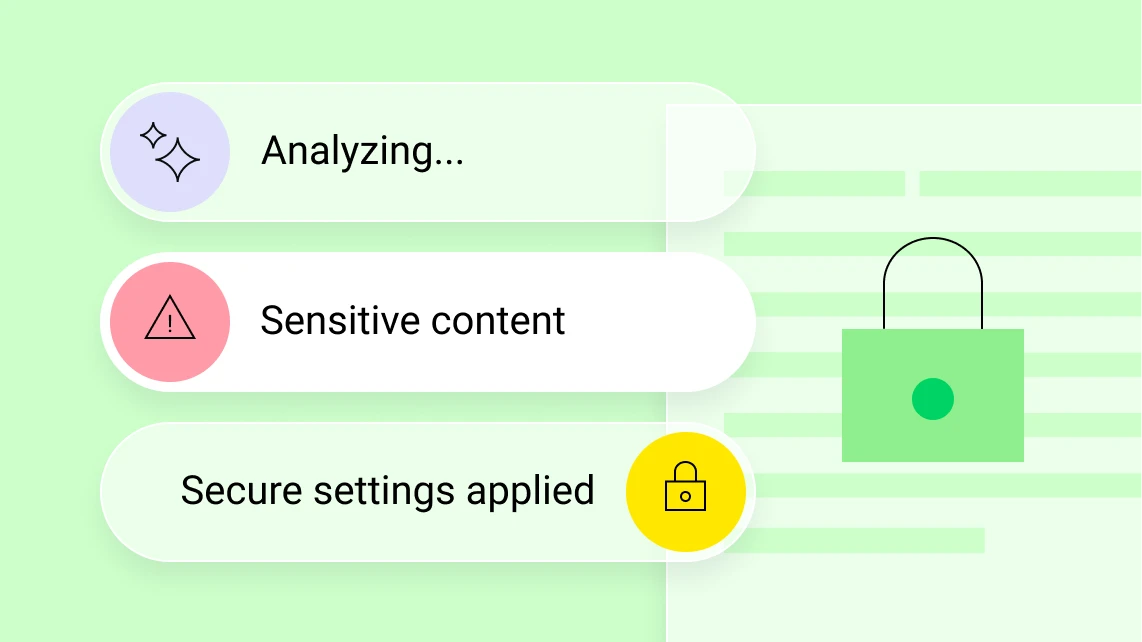
Support Compliance—Without Slowing Down
ShareFile is designed to support alignment with industry-specific standards, making it easier to stay ahead of requirements without adding unnecessary work to your day.
Our platform includes built-in support for major regulatory frameworks, including HIPAA for healthcare organizations, SOC 2 Type II for data security, FINRA and SEC for financial services and GDPR for global data privacy. From granular access controls to comprehensive activity logs, ShareFile helps reduce audit prep time, limit liability and meet evolving compliance needs.
Explore Compliance Features
Built for Business, Ready for Scale
Whether you're a boutique practice or a global team, ShareFile scales to match your needs. Our cloud-based platform delivers secure file sharing and collaboration, without adding IT overhead. Work smarter with the ability to:
Encrypt Files End-to-End for Protection Throughout Transit
Tag Files Smartly for Faster Search and Organized Document Grouping
Protect Documents With Watermarking, Expiring Links and View-Only Access
Control Access Using Role-Based Permissions by User, Group or File
Integrate Seamlessly With Microsoft 365, Google Workspace and More
Secure File Sharing for Regulated Industries
ShareFile is built for organizations managing sensitive client data, legal documents or regulated records.

Finance
Help protect financial reports, client files and audit data in alignment with FINRA and SEC requirements. Use pre-built automation templates to streamline document requests, e-signature collection and reminders—reducing email overhead so your team can focus more on their business workflows.
Learn MoreHealthcare
Securely share medical records while complying with HIPAA requirements. Simplify complex workflows with dedicated client portals and information & document request lists, reducing manual follow-ups while supporting patient privacy throughout the process.
Learn MoreLegal
Manage contracts, discovery files, and client communications using version control and document sharing tools that help support secure collaboration. Streamline collaboration using centralized portals and audit logs that improve document tracking and allow your team to stay focused on higher-value billable work.
Learn MoreAccounting
Streamline workflows for tax returns, audits and internal collaboration with enterprise file sharing tools that help simplify document processes. With AI-powered file sharing, request lists and native e-signature, ShareFile helps accounting teams complete engagements more efficiently while reducing the likelihood of errors.
Learn MoreFAQs
-
What Is Secure File Sharing and How Does it Work?
Secure file sharing uses encryption, access controls and audit trails to protect documents from unauthorized access and data loss.
Learn More In Our Blog -
How Does ShareFile Support Compliance with Industry Regulations?
ShareFile helps customers support GDPR, HIPAA, SOC 2 Type II and FINRA compliance efforts through secure infrastructure, detailed logging and customizable access controls.
Explore Healthcare Compliance Features -
Can ShareFile Detect Threats in Shared Files?
Yes. ShareFile scans uploaded files for malware and helps keep threats from reaching your network.
Read More About Encrypted File Sharing -
How Does AI Improve File Management and Search?
AI-powered file sharing tags files by content, speeds up search and surfaces related documents—reducing manual sorting.
Learn How AI Tagging Works -
What Industries Benefit Most from ShareFile?
Finance, healthcare, legal, accounting and real estate firms use ShareFile document sharing tools to manage sensitive files and smart file tagging.

Simplify File Sharing for Your Business
Stop chasing documents and choose software that helps teams work smarter and faster.