ShareFile Projects for Client Work and Collaboration
Bring every part of a client engagement—files, requests, forms, signatures, to-dos and conversations—into one connected workspace. Stay up to date without relying on manual follow-ups.
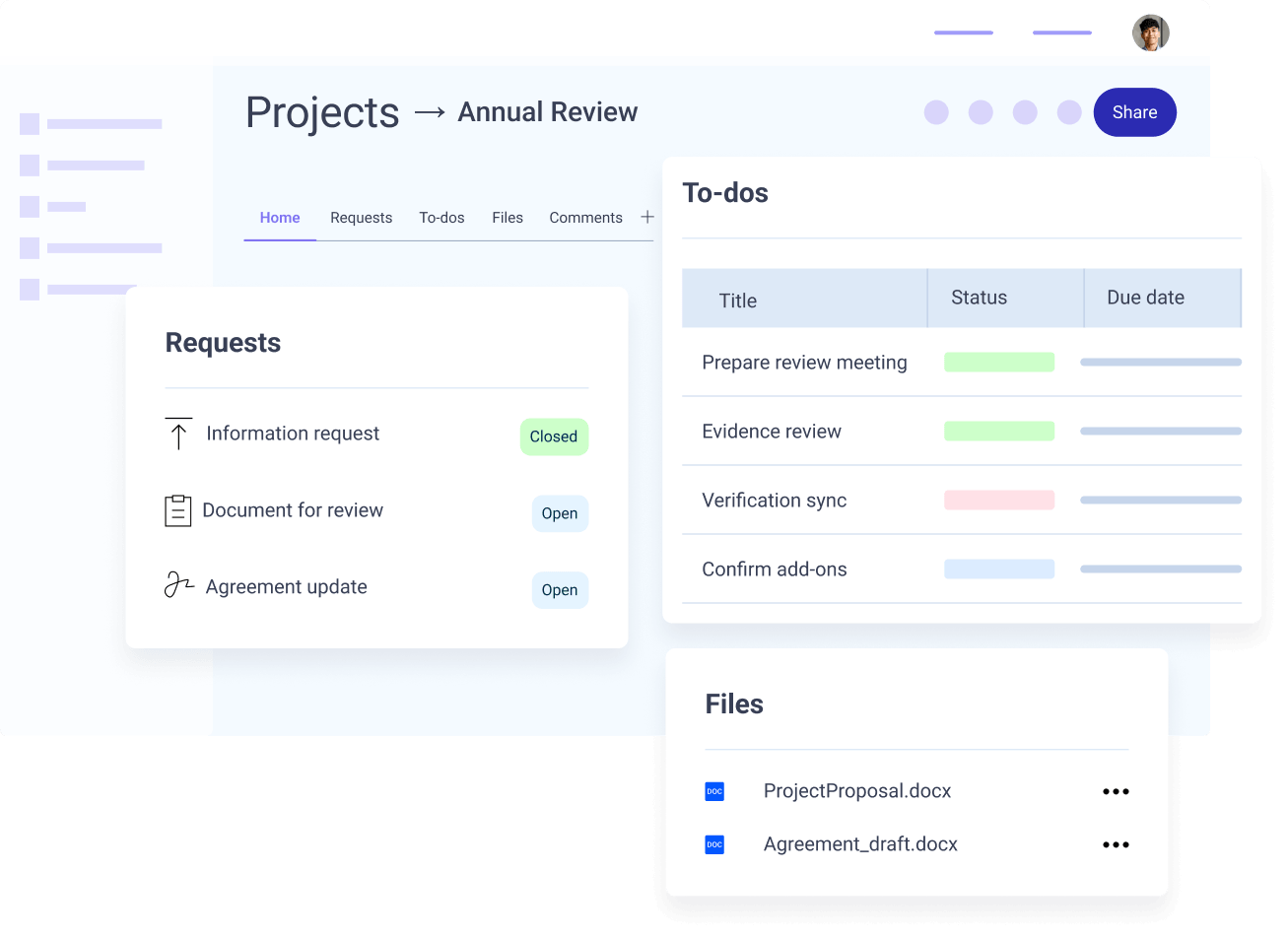
Help Keep Requests, Files and Next Steps in One Place
Client work involves a series of connected steps. Projects brings requests, documents, signatures and conversations into one workflow, giving teams and clients visibility from start to finish.
Give Each Client Engagement Its
Own Workspace
Projects helps teams coordinate tasks and information with clients from start to finish.
- Customize Projects with the requests, forms and signatures needed to support the engagement.
- Bring in the right team members and clients, with permissions that match their roles.
- Save repeatable workflows or full Project setups as templates for future use.
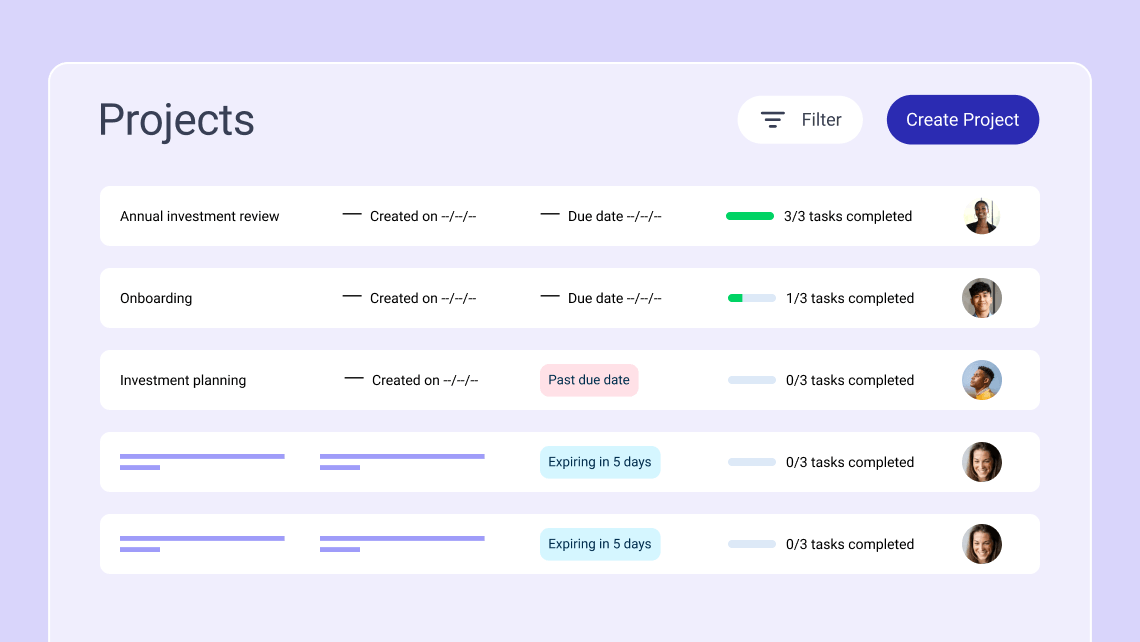
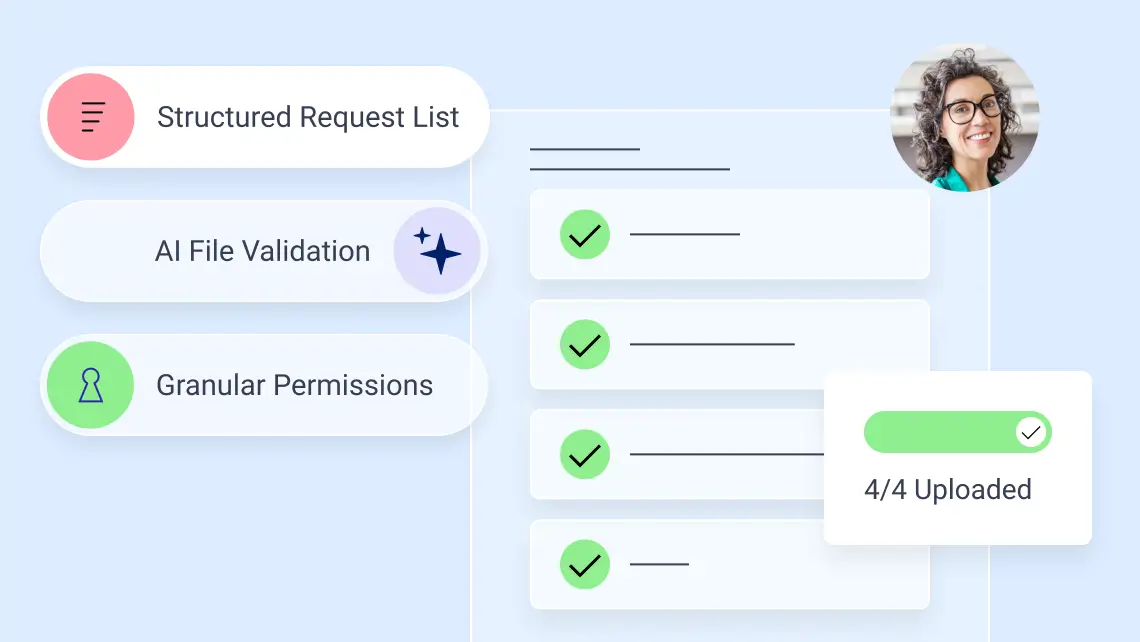
Keep Tasks Moving from Request to Done
Keep each step assigned, trackable, and tied to the larger project, so teams can move work forward with fewer manual follow-ups.
- Create Request Lists, Forms, Signature Requests and To-dos. Use AI for Request Lists, document Q&A and file renaming when enabled.
- Assign items, set due dates, send reminders and reassign items for edits and updates.
- Track Request Lists and Forms in Tasks, notify clients as work progresses.
Give Each Person the Access Their
Role Requires
Set permissions and maintain oversight to keep work moving when responsibilities change.
- Assign Owner, Team Member, Full View, Limited View or Custom permissions based on how each person needs to participate.
- Give people a full view of a project or limit their access to the content and actions assigned to them.
- Designate Projects & Tasks Admins to oversee work across the organization and reassign ownership when needed.
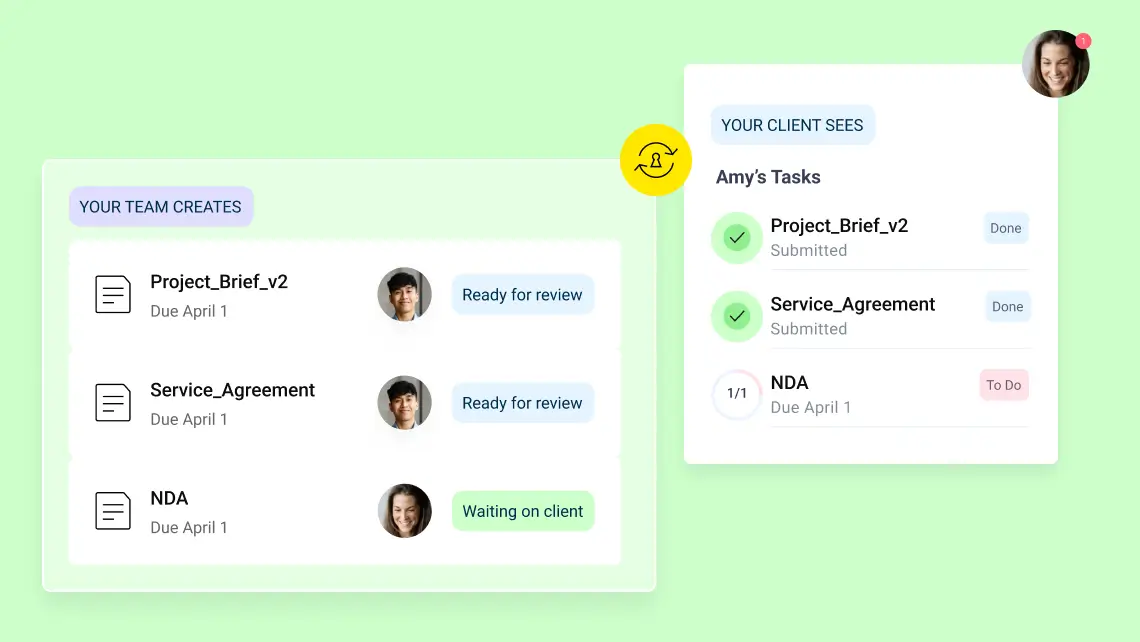

Close the Work Without Losing the Record
Keep the record intact, move files where they belong and reopen the Project if new work resumes.
- Close a project to make its content read-only. Reopen it when work resumes.
- Move or copy files between Projects and Folders for ongoing filing and recordkeeping.
- Restore a deleted project within 45 days while preserving its structure and content.
Email and Shared Folders vs. Dedicated Project Workspaces
Folders are built to organize files. ShareFile Projects brings workflows, people, actions and conversations together in one connected workspace, helping teams move the work around those files forward.
| Email and Shared Folders | ShareFile Projects |
|---|---|
| Requests, Forms, Signatures and follow-ups may be managed separately | Bring the workflows and engagement needs into one Project workspace |
| Questions and updates can become separate email threads | Comments stay connected to files, requests or tasks |
| Teams manually track what is pending | Teams can view progress across requests, files and to-dos |
| Repeatable work may need to be rebuilt for the next client | Save workflows or the full Project setup as templates for reuse |
| Folders hold the files, but not necessarily the work that produced them | Keep files connected to active engagements, then move or copy them to a folder for recordkeeping |
Built for Repeatable, Document-Heavy Work
When an engagement spans multiple documents, requests and people, ShareFile Projects gives the work one place to come together.
Accounting
Simplify engagement letters, tax season intake, organizer collection, KYC forms and recurring document workflows for advisory, tax and audit clients.
Legal
Streamline new matter intake, retainer agreements, conflict checks and supporting document collection for law firms.
Financial Services
Accelerate investment account setup, client authorizations, risk forms and compliance document collection for financial advisors and service teams.
Healthcare
Collect patient forms, consent documents, insurance information and medical records in one secure, structured workflow.
Construction
Coordinate project documentation, contracts, permits, change orders and approvals across clients, subcontractors and stakeholders. Keep files organized and accessible while managing who can view, upload or modify information.
Keep Clients, Staff and Work on the Same Page
“Projects has been something that helps keep our clients, management, and staff more organized and on the same page. This way, we avoid multiple email requests and multiple conversations between staff, management, and our clients.”
Jessie Kay Controller, Holt McNally & Associates, Inc.
FAQs
-
What Is ShareFile Projects?
ShareFile Projects is a dedicated collaboration workspace for client engagements. It brings Files, Request Lists, Forms, Signature Requests, To-dos, comments and participants together, so the work stays organized and connected in one place.
-
What is online document collaboration?
Online document collaboration brings the files, requests, actions and conversations around shared work into a digital workspace where teams and clients can work together. In ShareFile Projects, that work stays connected to the client engagement it belongs to, helping keep the process secure and structured from start to finish.
-
How does ShareFile Projects help with document collaboration?
ShareFile Projects brings Request Lists, Forms, Signature Requests, To-dos, files and other related client workflows into one secure workspace. Teams can assign and track work, collaborate on documents, manage client requests and keep project communication connected in one place.
-
Can clients use Projects?
Yes. Clients can be invited to a Project and given access based on their role in the engagement. Depending on their permissions, they can view or act on assigned work, respond to requests, access files and participate in comments.
-
Can I assign tasks in Projects?
Yes. You can assign Request Lists, Forms, Signature Requests and To-dos to internal team members or clients. These tasks can include deadlines, files and comments, allowing you to track their progress.
-
Who should use online document collaboration software?
Online document collaboration software and capabilities like Projects are useful when client work involves multiple people, documents, requests and actions that need to stay connected—especially when teams need to track progress and control what each participant can see and do within an engagement.
-
What can I manage inside a ShareFile Project workspace?
A project can include Request Lists, Forms Signature Requests, To-dos, Files, Comments and Tables. You can also add participants and manage their access to the project.

Give Every Engagement a Clear Path Forward
Bring the right workflows, people and files together so work moves from request to completion with fewer handoffs, follow-ups and loose ends.