Secure File Sharing,
to Keep Work Moving
ShareFile software helps businesses share files securely—so clients and teams can easily access what they need.
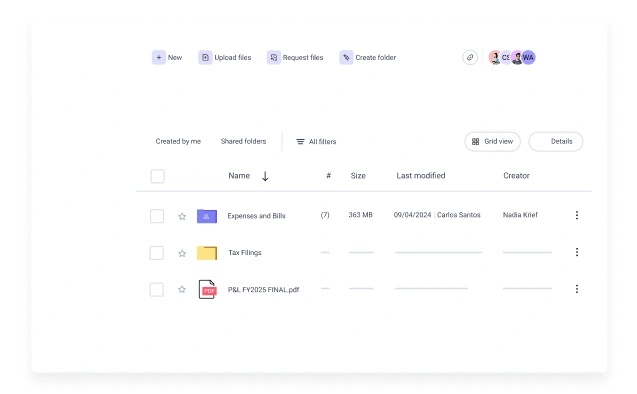



One Place to Share, Store and Collaborate Securely
Your team can share files confidently with internal colleagues, clients and vendors, without creating risk or chaos. With ShareFile as your secure file sharing platform, you can share securely and create workflows that take file-sharing to the next level.
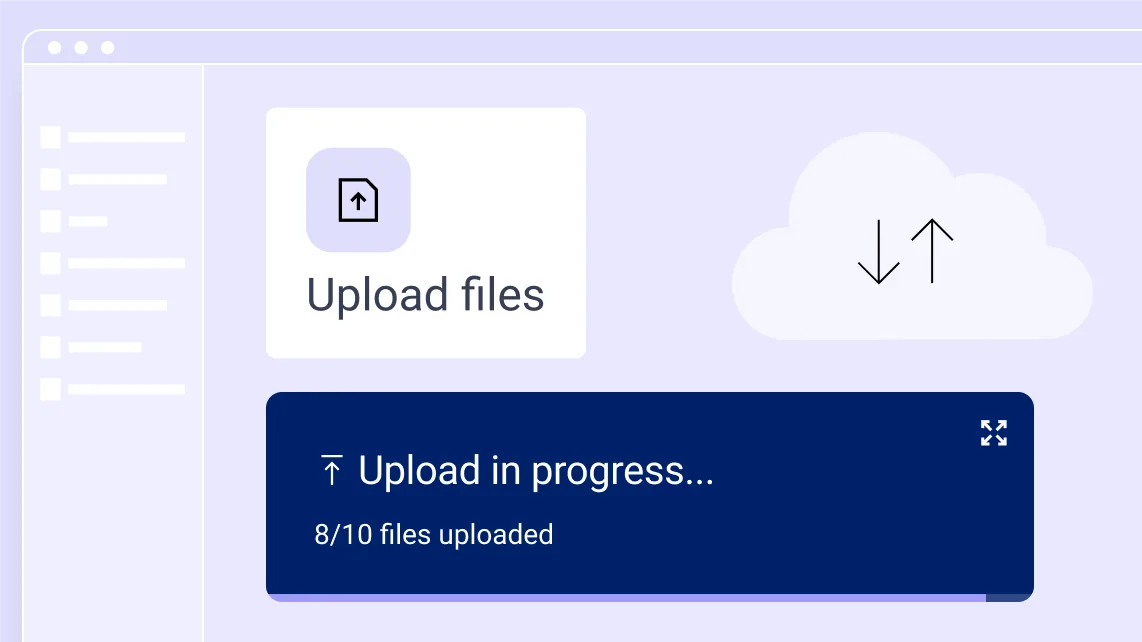
Send Large Files Without Slowing Down Client Work
Sharing files is only one step in the client journey. ShareFile software helps teams send large files and sensitive information through connected client workflows that keep work moving without sacrificing visibility, control or security.
- Send large files through secure links, branded client portals and document requests—without traditional email attachment limitations
- Use the AI-powered Secure Share Recommender, role-based permissions and access controls to help teams control who can view sensitive information
- Maintain visibility with audit trails, download alerts and security insights across client and team interactions
Move More than Files. Move Client Work Forward.
ShareFile software combines secure file sharing, document requests and signatures with client-facing workspaces to help teams manage external collaboration and sharing without switching between tools.
- Securely transfer files, documents and sensitive information with permission-based access controls that help share sensitive information with the right people
- Keep client requests, approvals, signatures, secure document sharing and file exchanges connected in one secure workflow from intake through delivery
- Automate document collection, approval routing and client follow-ups to keep engagements moving without constant status checks
Cloud Storage That Keeps Files Easy to Find and Manage
Stop searching through inboxes for the latest file version. ShareFile software gives your team a centralized, organized home for files—structured around the way you really work.
- Folder templates to standardize structure across clients and projects
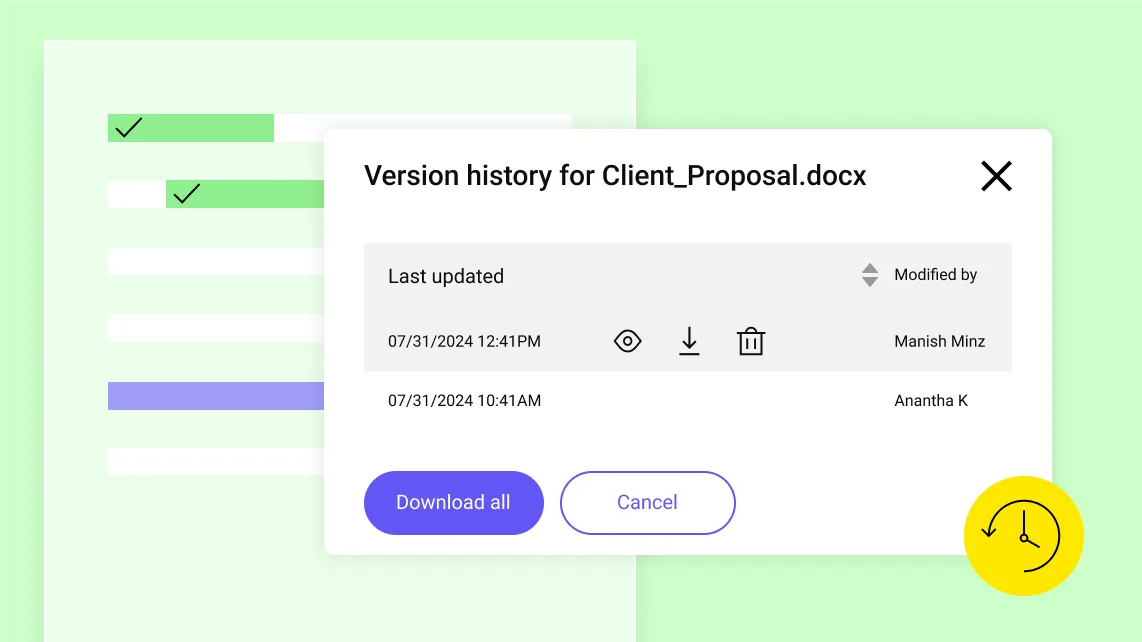
- Version history and control so teams can identify and work from the most current file
- Activity logs that track uploads, downloads, views and deletion
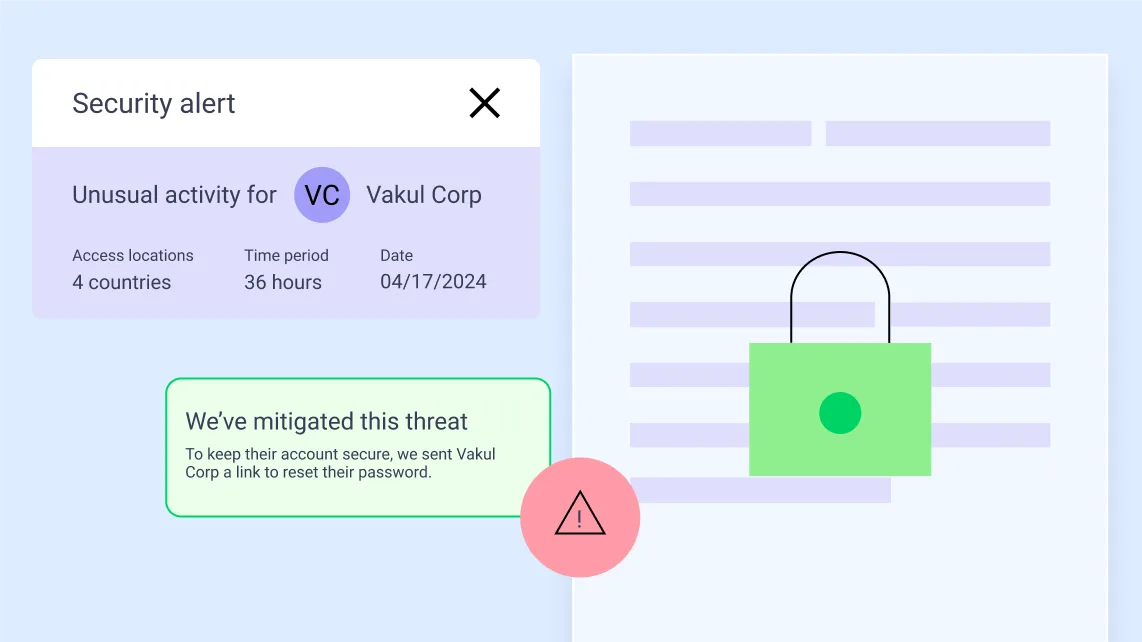
Enterprise-Grade Security for Sensitive Work
ShareFile software is built for industries where data protection isn't optional. Security isn't an add-on—it's the foundation.
- AI-powered threat detection to flag unusual login activity or download spikes
- Automated security responses, including password expiration on suspicious activity
- Designed to support compliance efforts related to HIPAA, FINRA and GDPR and certifications for SOC 2 Type II, PCI-DSS, ISO 27001 and more
Built for High-Stakes Client Work Across Industries
Whether you're managing financial documents, legal matters, construction projects or client engagements, ShareFile software helps teams securely collect information, coordinate approvals and keep work moving through connected client workflows.
Accounting
Collect tax documents, financial statements and supporting records through secure document requests. Automate client follow-ups, track submissions and gather signatures without relying on email or manual reminders.
Legal
Exchange sensitive documents through secure client portals with permission-based access controls. Manage case files, collect signatures and maintain audit trails across client interactions.
Healthcare
Securely collect patient forms, referrals and supporting documentation while coordinating care across providers, staff and patients. Protect sensitive health information with controlled access, audit trails, with compliance-supported document workflows.
Financial Services
Streamline onboarding, account servicing and compliance-related workflows with secure document collection, approvals and governed file sharing. Maintain visibility into client activity while supporting the secure handling of confidential information.
Construction
Coordinate project documentation, contracts, permits, change orders and approvals across clients, subcontractors and stakeholders. Keep files organized and accessible while managing who can view, upload or modify information.
Learn MoreFits Into Your Existing Workflow
ShareFile software can integrate with the tools your team already uses every day—so adoption is fast, and workflow disruption is minimal.

Microsoft 365
share files directly from Outlook, Word, Excel and PowerPoint.

Google Worksplace
share secure file links through Gmail and Google Drive integrations.

Salesforce
support lead management and client onboarding.

Zapier
connect ShareFile with 4,000+ applications.
Mobile Apps
for iOS and Android to support secure access from anywhere.

Trusted at Scale
20+ Years as a Trusted Leader in Collaboration
“Because we handle highly confidential financial information and large volumes of files every day, secure file sharing isn’t optional—it’s foundational to how we operate and how we maintain client trust.”
Tiffany Hylton Director of Accounting Services, Jitasa
"ShareFile has become a critical service offering throughout the company, enabling improved file sharing performance, simplified administration, and a satisfying user experience."
Russ Rodrigue Chief Information Officer, Cianbro
FAQs
-
How Secure Is the ShareFile Platform for File Sharing?
The ShareFile platform is built for sensitive client work, offering permission-based access, secure storage, audit-ready activity logs, expiration controls and support for regulatory compliance frameworks. It is trusted by organizations handling financial, legal, health and other confidential data.
-
How Do I Share a File via a Link?
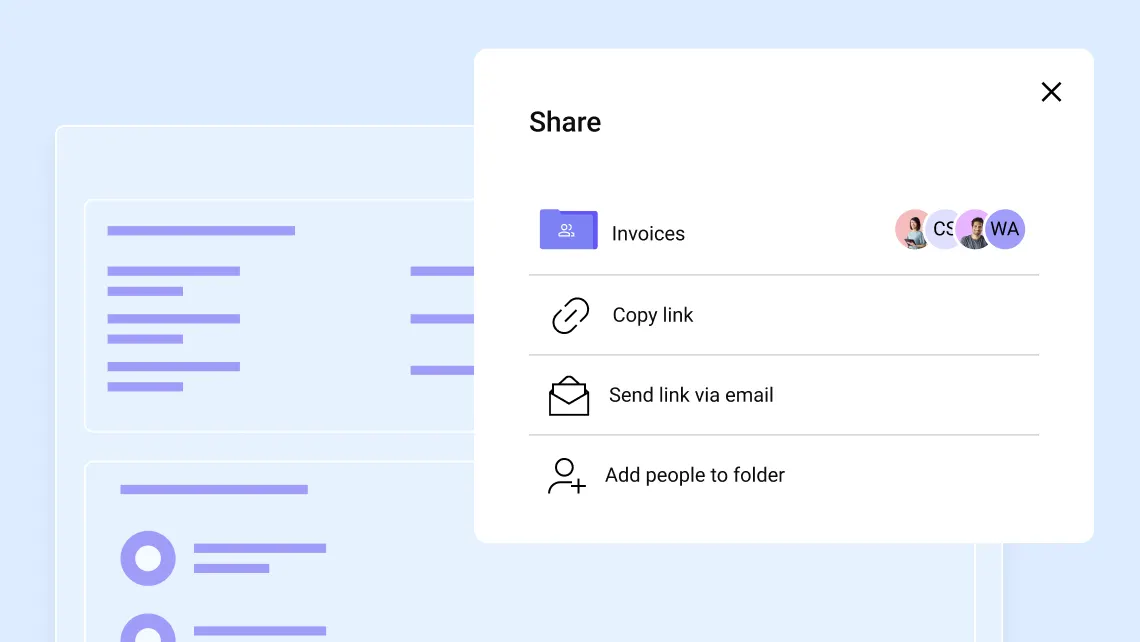
To get a share link, navigate to the file you want to share in your ShareFile account, select it and click Share from the menu. Then select Copy, and the link will be copied to your clipboard for you to paste into an email or any communication app. Every new link defaults to a secure "employee and client users sign-in" permission, though you can adjust the view, download and edit permissions depending on the privacy requirements of that file.
-
What features should I look for in secure file-sharing software?
Essential features include role-based access controls, strong passwords and multi-factor authentication to manage who can access sensitive data. You should also look for 256-bit encryption for files in transit and at rest, the ability to limit download counts and set link expiration dates when sharing files and folders with others.
-
Can ShareFile software be used for external file sharing?
Yes, absolutely. ShareFile software provides a structured, secure space to collaborate with external stakeholders such as clients, vendors and partners. Share files, collect e-signatures, request data and manage to-dos in one place. You can configure options such as allowing recipients to view, download or edit files and set access expiration dates. The default share permission requires sign-in, so every new link starts with a secure option.
-
Can I track who accesses shared files?
Yes. ShareFile software creates audit trails with activity logs that monitor who accessed documents and when. You can also enable notifications to receive an email alert each time a shared link is accessed.
-
What makes ShareFile software different from basic file-sharing tools?
Unlike basic file-sharing tools, ShareFile software is designed specifically for external client workflows. Files stay in one secure system with built-in document requests, approvals, e-signature, tracking and governance—reducing broken handoffs and visibility gaps.

Ready to Take Control of Your Files?
Stop chasing documents. Choose software that helps your team share securely, stay organized and collaborate confidently—with anyone.