
Client Collaboration Software that Keeps Work Moving
Progress ShareFile software connects documents,
requests, approvals and signatures in secure workflows that simplify client collaboration from start to finish.
Trusted for20+ years
Serving7M+ daily users
Used by90K subscribers
Collect documents3.5x faster
Dedicated Workspaces
Plan and execute client engagements from secure, dedicated workspaces that provide a clear place for requests, tasks, files, approvals and signatures.
Key Capabilities:
- Bring structure to every engagement, from quick request lists to multi-step client projects.
- Move faster with one place to track and manage what’s open, pending or ready.
- Protect client work with permissioned spaces built for sensitive engagement workflows.
- Use AI to help reduce review delays and keep client jobs moving.
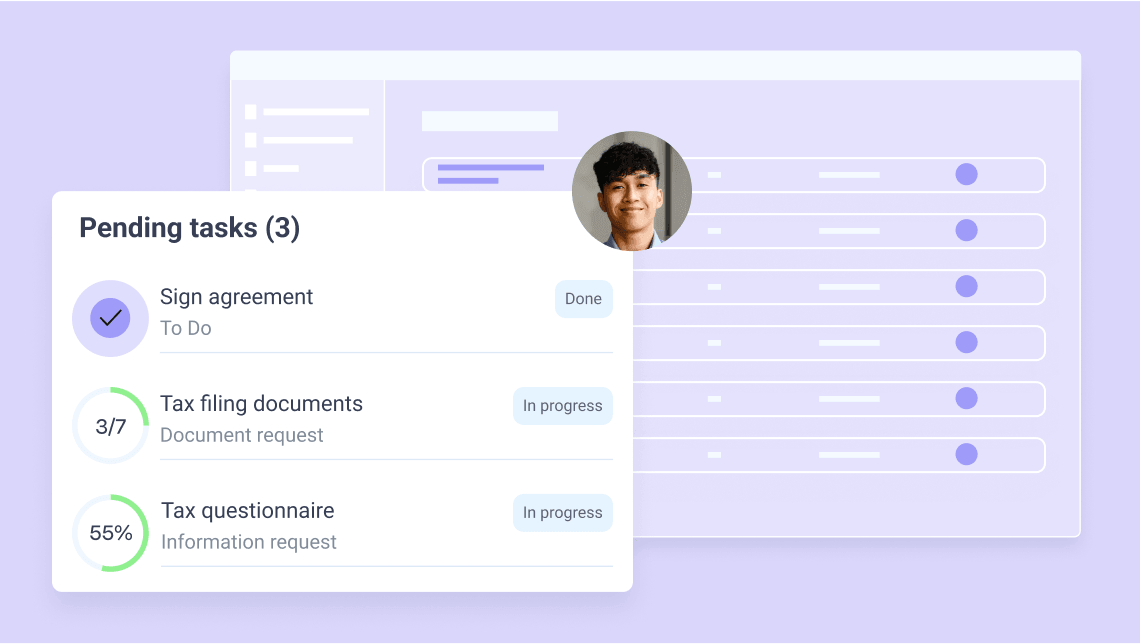
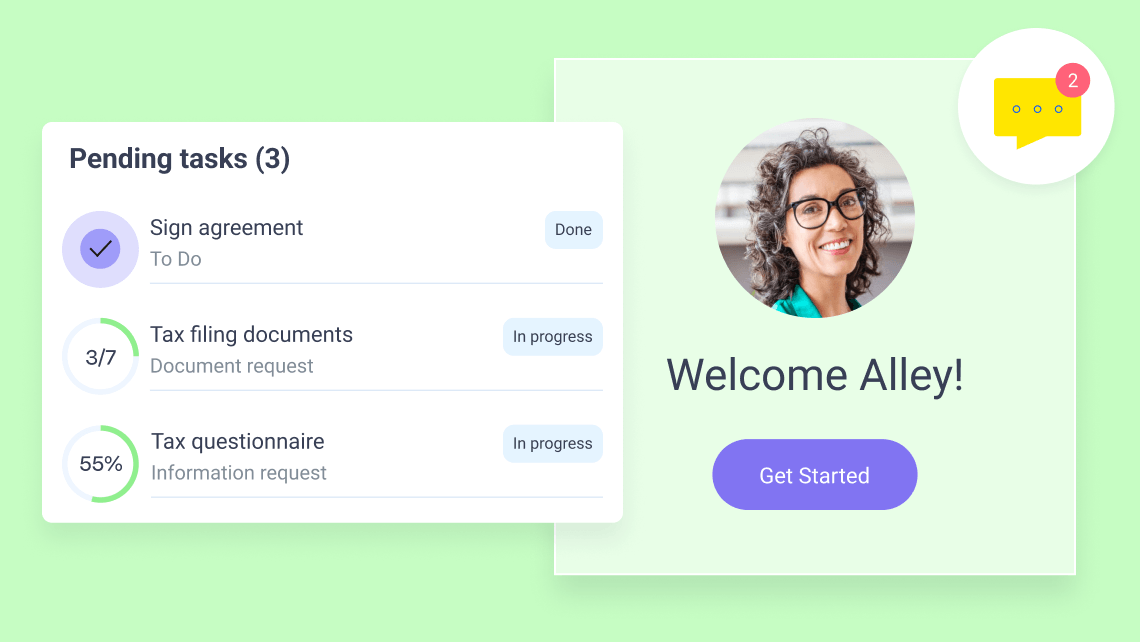
Branded Client Portal
Give clients a secure, branded space to manage requests, upload files, complete tasks and stay connected through a secure client collaboration tool built for work in progress.
Key Capabilities:
- Give clients one secure place to send files, sign documents, complete requests and move work forward.
- Keep clients clear on what’s needed, what’s pending and what comes next across every engagement.
- Exchange files, approvals and sensitive information securely without losing context in email threads.
- Help clients stay engaged with live visibility into deadlines, outstanding work and progress.
Workflow Automation and AI Assistance
Reduce operational drag around client work with automated document workflows and AI assistance that improve client collaboration, reduce manual effort and help avoid mistakes.
Key Capabilities:
- Collect files, information, signatures and client submissions with pre-built workflows.
- Use AI to rename files, classify documents and answer questions across client engagements.
- Help identify potential sharing mistakes before sending files or sensitive information.
- Speed up document collection with reusable templates and AI-assisted request lists.

Apps and Integrations
Connect ShareFile software with the tools your team already uses to streamline workflows and minimize manual work.
Key Capabilities:
- Integrate with Microsoft 365, Google Workspace and more
- Automate repetitive tasks with connectors like Zapier
- Sync files and client data across systems in real time
- Replace email attachments with links directly from Outlook or Gmail
- Open APIs and integrations for building custom workflows
Choose the Plan That Best Fits Your Teams
Per user/month Minimum of 3 users
All Advanced features plus:
- Client collaboration tools - e-signature, requests, tasks, forms, workflow automation
- Enhanced client portal
- Support HIPAA, FINRA and SEC regulatory compliance
- AI-powered document automation and generation
Built for the Way Your Industry Works
Secure file sharing and collaboration solutions designed for the unique needs of your industry.

How Work Flows
See how file sharing can become a repeatable, secure workflow.
Set up Workspace
- Launch secure client portals and dedicated project workspaces with the right roles and permissions
- Configure folders, access controls and sharing settings
- Standardize setup with templates and AI

Share, Collect & Collaborate
- Share files and folders securely with clients and stakeholders
- Keep everything organized in one place
- Use AI assistance to track progress across people, files and tasks

Approve, Sign & Complete
- Route files for review, approval and e-signature
- Finalize work with an all-in-one workflow
- Use AI to surface issues and speed completion

Track, Store & Retain
- Monitor file activity and engagement in real time with AI assistance
- Enforce permissions, retention policies and audit trails
- Maintain compliance-ready records with less manual effort

Repeat & Scale
- Start faster by re-using file-sharing workflows across projects
- Reduce manual effort with automated file sharing
- Scale efficiently across teams and clients with AI support

Start with file sharing—expand into connected workflows that grow your business.
Client Intake & Onboarding
Document Collection & Review
Contract Management & E-Signature
RFP & Bid Management
Audit & Compliance Reporting
Explore the Platform
Run, connect and protect your work—seamlessly across every stage of client delivery.
RUN
client work with less friction
Send files, collect documents and complete approvals in one place, so work stays simple and moves faster
CONNECT
people and processes
Aligned teams with shared visibility keep work connected and on track
Trusted Worldwide by Teams Handling Sensitive Client Work
Thousands of firms use ShareFile software to coordinate high-stakes work with greater visibility and confidence.
“Secure, reliable, and easy to use—our team and clients can share files with complete confidence.”
Michael Chen CIO, Global Finance
“Powerful access controls and visibility give us full control over our data at all times.”
Sarah Martinez Head of IT, TechCorp
FAQs
-
What is client collaboration software, and how does the ShareFile platform support it?
ShareFile software is a client collaboration software that helps businesses securely manage work with clients, vendors and external stakeholders. It combines file sharing, document requests, task coordination, approvals, e-signatures and client communication in one secure platform, making it easier to keep projects moving and everyone aligned.
Whether teams are onboarding clients, collecting documents, managing reviews and approvals, requesting signatures or coordinating ongoing work, ShareFile software provides a secure client collaboration tool that keeps information organized, visible and accessible throughout the entire engagement.
-
How is ShareFile software different from basic file-sharing tools?
Most file-sharing tools stop at sending and storing the file. ShareFile software does that too, but also helps teams coordinate the work around it. Instead of managing requests, approvals, signatures, follow-ups and client communication across disconnected tools, teams can manage tasks through connected workflows.
ShareFile software combines secure file sharing with client portals, document requests, tasks, signatures, workflow automation and AI assistance as connected workflows, so teams and clients can manage work, track progress and stay aligned throughout the course of the engagement.
-
How does ShareFile software support collaboration between internal teams and clients?
ShareFile software gives teams control over how client work is designed, shared, accessed and completed across both internal and external stakeholders. Internal teams can create and manage workspaces, workflows and granular permissions, while clients, partners, vendors and advisors are invited via secure portals with access tailored to their role in the work.
This creates a clearer, more secure collaboration experience where both sides stay connected without losing visibility or control over sensitive information.
-
What can external participants do in the ShareFile platform?
Clients and external stakeholders access a secure, branded client portal built around the work they need to complete. Depending on permissions, they can upload files, respond to requests, sign documents and track completed tasks in one connected experience.
Clear task visibility, guided workflows and AI-assisted support help reduce confusion, prevent missed steps and keep collaboration moving forward across both sides of the engagement.
-
Can ShareFile software automate client onboarding, intake and cross‑team workflows?
Yes. ShareFile software natively supports workflows for onboarding, intake, file collection, reviews, approvals, signatures and recurring client requests. Teams can build workflows as needed or reuse templates for common engagement types—assigning collaborators, setting due dates, tracking progress and routing work through connected workflows instead of managing every step through email and manual follow-up.
Throughout, AI assistance helps surface missing information, organize submissions and guide next steps—reducing delays, rework and coordination overhead across client engagements.
-
How does ShareFile software help teams coordinate complex, multi‑party work?
ShareFile software gives teams and clients a shared view of files, requests, tasks, approvals and progress across the entire engagement. Everyone can see what’s complete, what’s still pending and what was done—without relying on scattered updates or manual follow-up.
-
How secure is ShareFile software for collaborating with partners and third parties?
ShareFile helps clients collaborate on sensitive client files with encryption in transit and at rest, role-based permissions for engagement workspaces, audit trails, secure sharing controls and centralized visibility across files and workflows.
These protections span client portals, requests, approvals and stages of collaboration—so teams can move work forward without compromising security or compliance.
-
Does ShareFile software support compliance and audit‑ready collaboration?
Yes. ShareFile software is designed for secure, governed client collaboration, enabling organizations to control how client work is shared, accessed, retained and managed across teams and external stakeholders. Administrators can configure roles, permissions, storage zones, retention settings, archiving policies and other governance controls that apply consistently across workflows, files, portals, approvals and client interactions. ShareFile software also supports workflows designed to help organizations address HIPAA, FINRA and SEC requirements. These capabilities are available with ShareFile Premium plans and above, must be enabled and remain enforced throughout the collaboration lifecycle.

You’re Never Just Sharing a File
Run high-stakes work from first file to final approval—faster turnaround,
fewer delays and
less chasing.