Client Onboarding Software for Fast Document Workflows
ShareFile client onboarding software helps teams move from signed agreements to active client work faster with secure document collection, e-signatures and automated reminders.
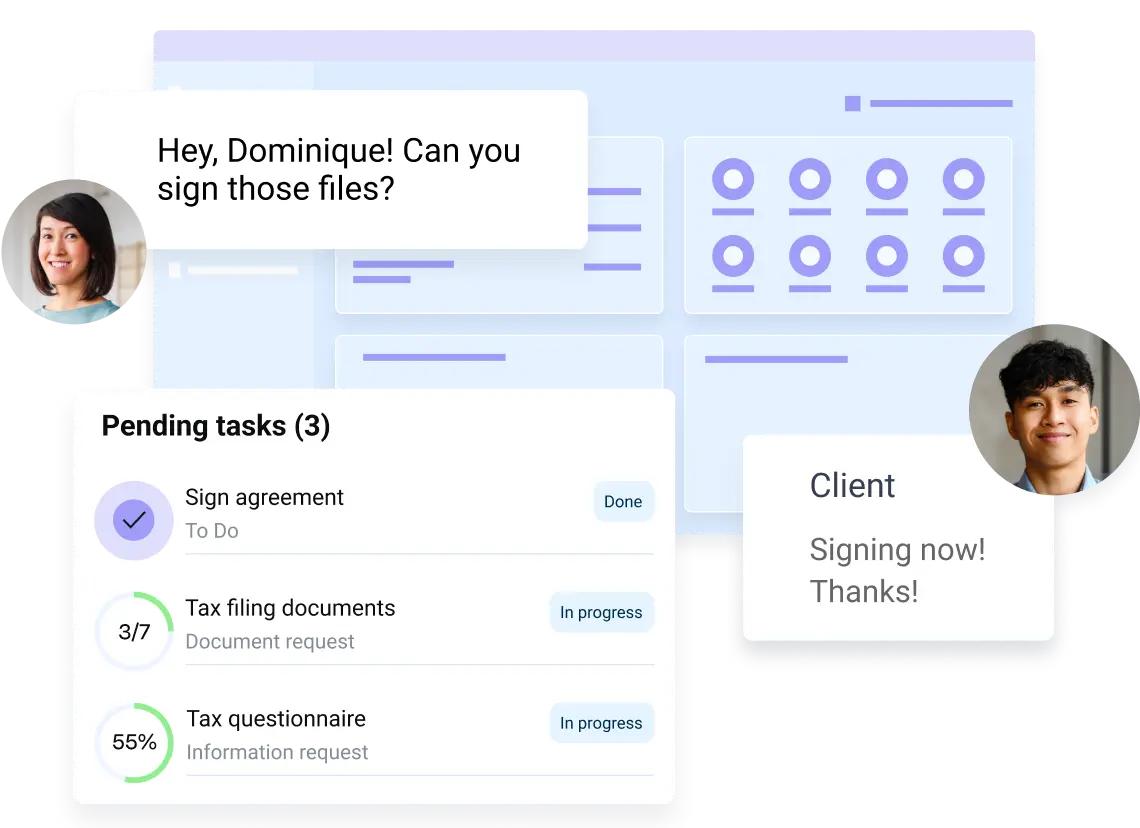
Move From Signed Agreement to Active Client Work
Getting from a signed agreement to a productive client relationship can be slowed by repeated requests, scattered documents, and manual setup. Progress® ShareFile® software brings the work into one secure client onboarding flow so teams can collect the right information, keep next steps visible and help new clients begin collaborating with less back-and-forth.
Agreement Workflows That Move at
Client Speed
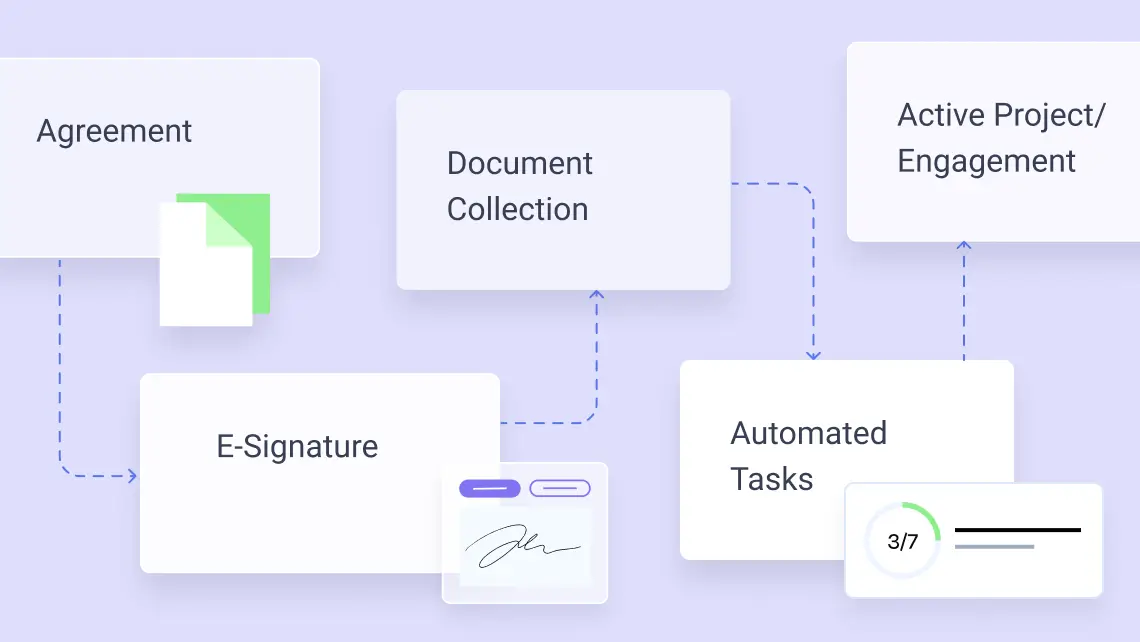
Start engagements with less friction by combining agreements, signatures and next steps in a workflow that gives your team a clear path from approval to action.
- Reuse agreements, request forms and document checklists so teams do not have to recreate the same steps for each engagement.
- Trigger the next task automatically after e-signature is complete, helping reduce delays between agreement and kickoff.
- Keep signed agreements, supporting files and setup tasks connected so teams can review and act from one organized place.
Simplify Client Intake and Document Collection
Make intake easier for clients and cleaner for your team by reducing repetitive requests, guiding clients through required fields and keeping responses tied to the documents they support.
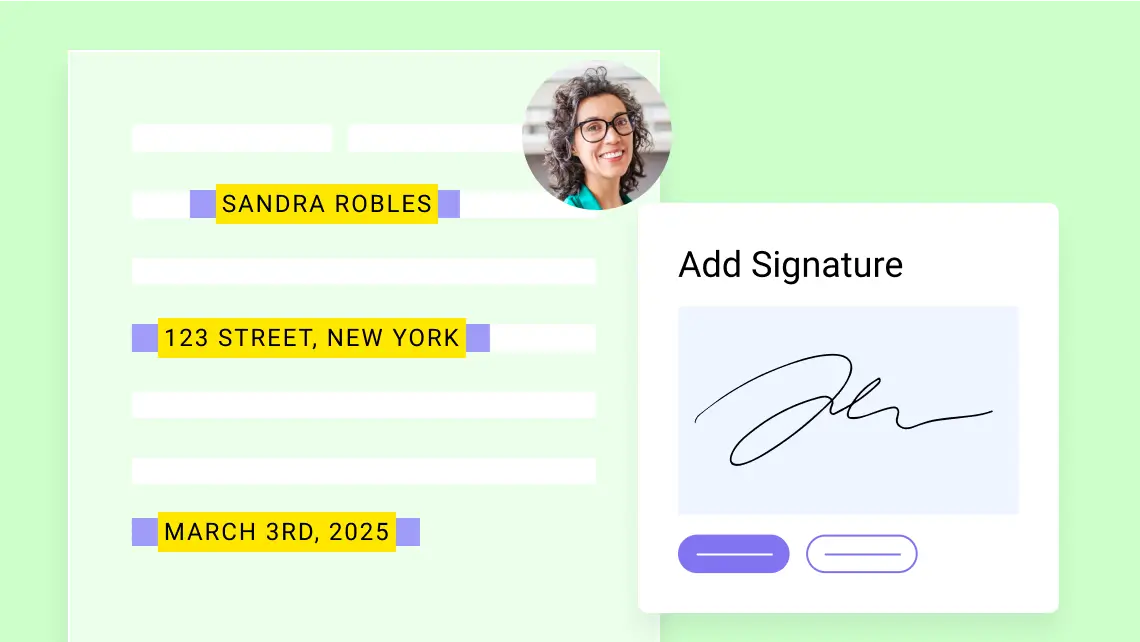
- Prefill agreements and intake forms with existing client data to reduce repetitive entry.
- Guide clients through required fields, uploads and signatures so submissions can come back complete.
- Keep intake responses, signed documents and supporting files together for easier review.
Automatically Organize New Client Work
Create a consistent client experience with a secure client portal, shared folders and repeatable setup steps that help teams streamline onboarding and maintain control.
- Invite clients to branded portals where they can access tasks, files and onboarding next steps.
- Automatically create shared folders for signed agreements and required onboarding documents.
- Standardize folder structures and onboarding steps across service lines, offices and teams.

Collect Information Without
Chasing Clients
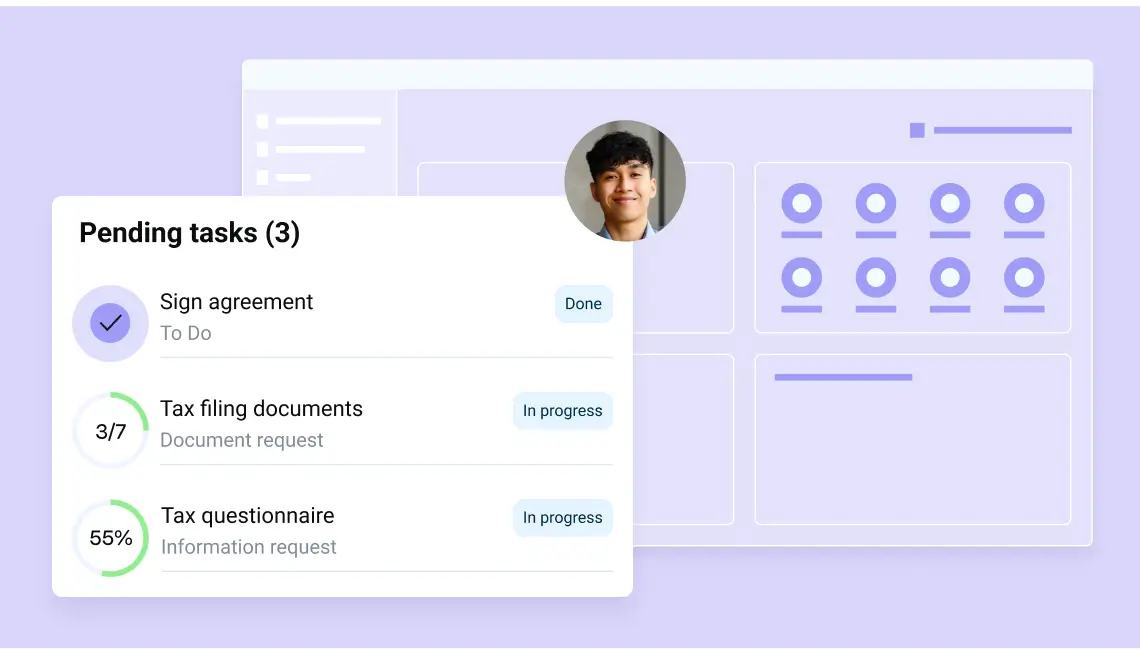
Reduce manual follow-up by automating document requests, reminders and tasks so clients know exactly what to submit and teams can see what is complete, pending, or ready for review.
- Use custom request forms and workflow templates to capture the same required information.
- Keep documents, messages and approvals together so reviewers do not have to search across inboxes or disconnected folders.
- Use onboarding automation to send reminders that keep work moving, reduce manual follow-up and free teams from repetitive coordination.
How Client Onboarding Works in the ShareFile Platform
A repeatable client onboarding process helps teams deliver a consistent client experience while still adapting to the documents, approvals and security needs of each industry:
Sign the agreement
Clients review and e-sign from any device, helping teams avoid print-scan delays and move quickly into next steps.
Collect what you need
Guided forms, request lists and reminders help clients submit complete information.
Organize the work automatically
Keep onboarding documents and related tasks organized in ShareFile workspaces, with support for workflows that connect to Outlook and Gmail.
Give clients one place to work
A secure, branded portal shows tasks, files and next steps so clients can stay oriented without searching through email.
Start the engagement with confidence
Documents, tasks and approvals are centralized and easier to track from the first day of work.
How ShareFile software helped ADVOS Legal save over an hour per client, per onboarding, after replacing a manual, paper-based setup with e-signature and document workflows.
Read MoreBuilt for the Client Onboarding Process
Whether teams are opening new matters, starting advisory work, gathering patient intake forms or launching a client engagement, the ShareFile platform helps standardize the work behind the relationship: secure collection, clear next steps, e-signature and organized collaboration.
Accounting
Simplify engagement letters, tax season intake, organizer collection, KYC forms and recurring document workflows for advisory, tax and audit clients.
Legal
Streamline new matter intake, retainer agreements, conflict checks and supporting document collection for law firms.
Financial Services
Accelerate investment account setup, client authorizations, risk forms and compliance document collection for financial advisors and service teams.
Healthcare
Collect patient forms, consent documents, insurance information and medical records in one secure, structured workflow.
Construction
Coordinate project documentation, contracts, permits, change orders and approvals across clients, subcontractors and stakeholders. Keep files organized and accessible while managing who can view, upload or modify information.
How ShareFile Client Onboarding Compares
| Need | Manual Onboarding | ShareFile Client Onboarding Software |
|---|---|---|
| Collecting Documents | Files trickle in over email with no clear view of what's still outstanding. | Request lists track document and stay open until each required file is in. |
| Client Access | Clients email sensitive files via unsecure attachments, links or thumb drives | A secure, branded client portal keeps client-specific folders and tasks in one place. |
| Follow-ups | Can require multiple reminders and follow-ups, increasing coordination overhead | Automated reminders keep clients moving—with less manual follow-up. |
| Signatures | Printing, signing, scanning and mailing can cause delays | Built-in e-signature where clients can sign from multiple devices in minutes. |
| Visibility | Status is scattered across email threads. | One real-time view of what's submitted, pending and approved. |
| Workspace Setup | New client folders, permissions and access are set up manually, delaying day-one collaboration. | Client folders and client portal access are provisioned in seconds, so work can start quickly. |
| Consistency | Setup depends on whoever runs it. | Reusable templates help standardize workflows across engagements. |
| Security and Compliance | No audit trail or version control. | Available audit trails and support for HIPAA, SOC 2 and GDPR. |
Fits Into Your Existing Workflow
The ShareFile platform connects with tools teams already use, helping them add structure to existing workflows without forcing clients or staff into a completely separate way of working.

Microsoft 365
share files directly from Outlook, Word, Excel and PowerPoint.

Google Worksplace
share secure file links through Gmail and Google Drive integrations.

Salesforce
support lead management and client onboarding.

Zapier
connect ShareFile with 4,000+ applications.
Mobile Apps
for iOS and Android to support secure access from anywhere.

20+ Years as a Trusted Leader in Collaboration
FAQs
-
What is client onboarding software?
ShareFile software helps businesses streamline the process of welcoming new clients by bringing document collection, forms, agreements, approvals, e-signatures and communication into one connected workflow. Instead of relying on emails and disconnected tools, teams can create a faster, more organized experience for both staff and clients.
-
How does ShareFile software help with client onboarding?
ShareFile software simplifies client onboarding by connecting agreements, intake forms, document requests, e-signatures and client setup into a single secure workflow. ShareFile software can automatically trigger the next step after a document is signed, create client folders, assign tasks and invite clients to a branded portal—helping teams reduce manual follow-up and deliver a consistent experience.
-
Can ShareFile tools collect client documents during onboarding?
Yes. The ShareFile platform makes it easy to collect documents, forms and supporting information through reusable request lists and secure upload workflows. Clients submit files through a branded workspace, while automated reminders help notify teams when requested documents are submitted, organized and ready for review in one centralized location.
-
Can clients sign agreements during onboarding?
Yes. Clients can securely review and electronically sign agreements from multiple devices without creating an account or downloading software. As part of your workflow, completed signatures can automatically trigger the next step, keeping work moving and reducing delays caused by manual follow-up.
-
Is ShareFile software a client onboarding solution for small businesses?
Yes. ShareFile software is designed for document-driven businesses of every size, including small business teams onboarding a few clients each month and enterprise organizations standardizing client onboarding across multiple teams and locations. With workflow templates, automation and a secure client portal, businesses can deliver a professional onboarding experience without adding IT complexity.
-
How does ShareFile software save time for my onboarding team?
ShareFile software uses onboarding automation to help manage the repetitive tasks that slow teams down. Prefilled forms reduce duplicate data entry, automated folder creation helps reduce manual setup, reminders minimize follow-up emails and reusable workflow templates help standardize engagements. With ShareFile software, teams spend less time coordinating documents and more time building client relationships.

Ready to Make Onboarding the Best Part of the Client Relationship?
Give new clients a faster, clearer, more secure start while giving your team a repeatable way to collect documents, complete agreements and move work forward with less manual coordination.