Automate Document Workflows for Secure Client Work
Turn repetitive document tasks into consistent, trackable workflows. Progress® ShareFile® software helps teams collect information, route approvals, send agreements for signature and organize completed files in one secure platform.
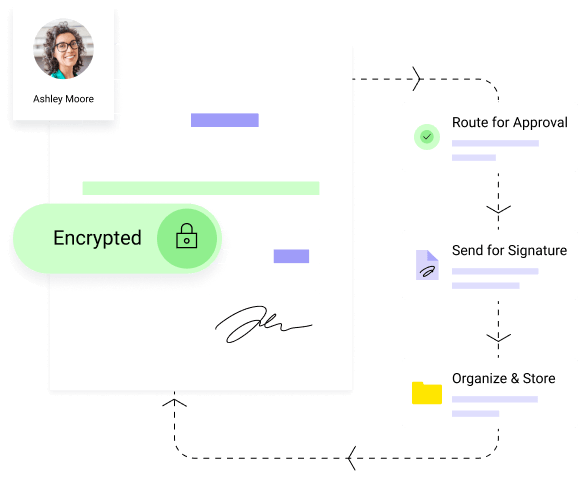
Move Client Work Forward with Less Manual Follow-Up
Document heavy work involves more than a single upload. Teams need to collect information, review submissions, secure approvals or signatures and keep completed documents organized. ShareFile document workflow automation connects these steps, helping teams spend less time coordinating repetitive work and more time serving clients.
Start the Next Step When Work Arrives
Create custom workflows around the document events that matter. Automate processes when a file is uploaded, a form is completed or an agreement workflow begins.
- Trigger a custom workflow when a file is uploaded to a selected ShareFile folder
- Start a workflow when an information request is completed
- Initiate an agreement workflow to capture specific information
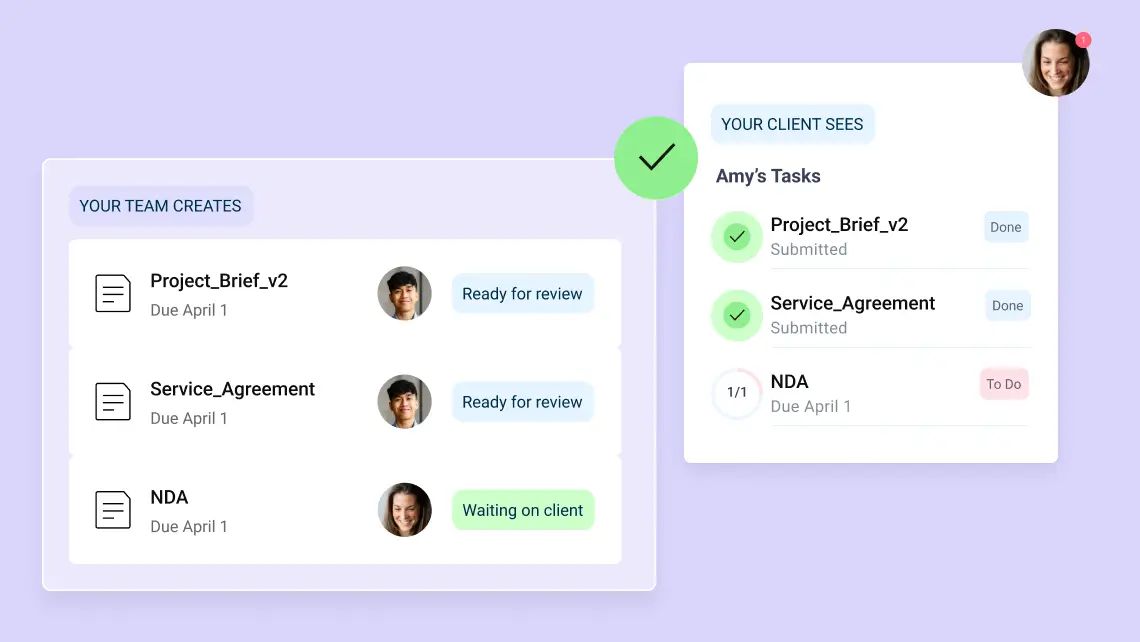
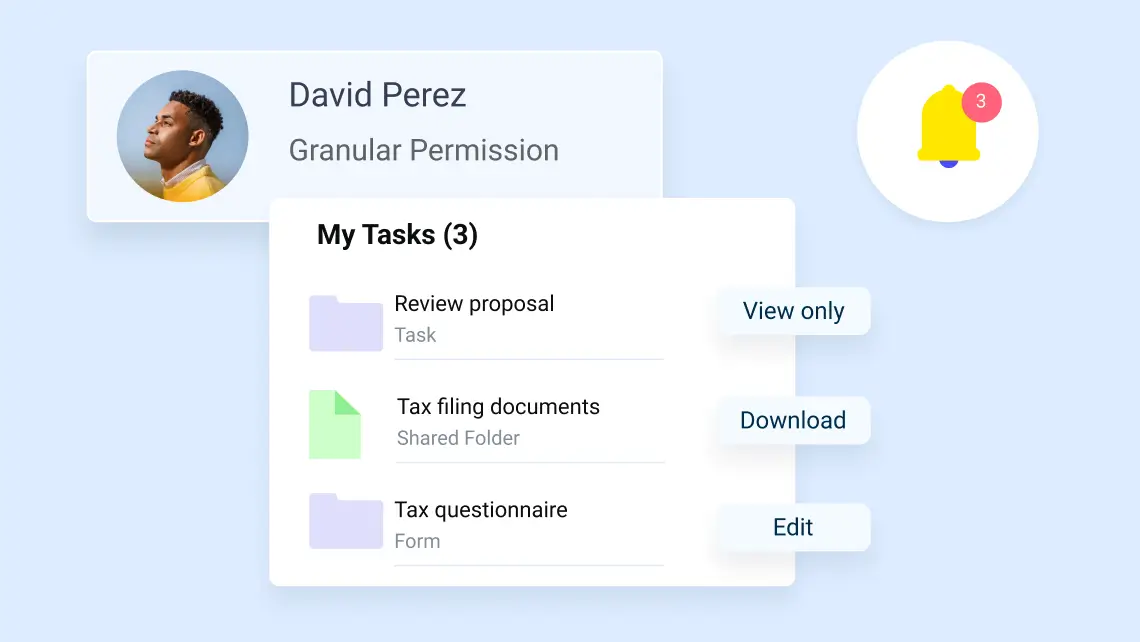
Route Reviews, Approvals and Notifications
Submitted documents move to the right people without recreating processes.
- Assign ShareFile users to approve or provide feedback on submitted files or forms
- Send emails with workflow details, selected items and attachments
- Close the workflow and send notifications after approval or route rejected items to another configured action
Build Repeatable Agreement Workflows
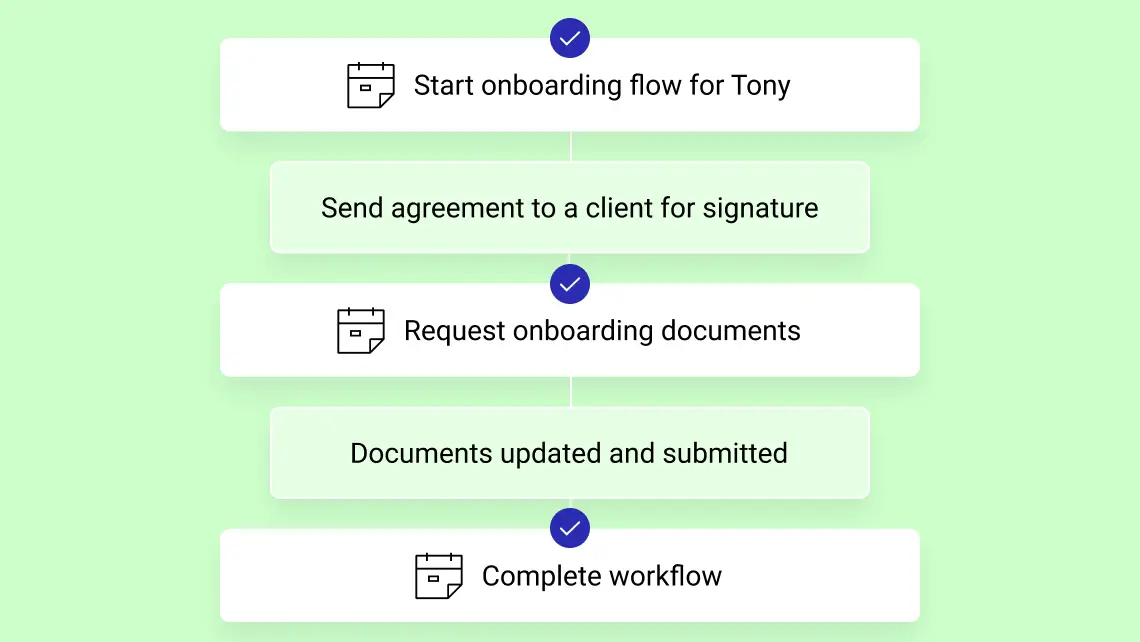
Connect agreement preparation, signature, communication and completed-file routing in a guided process. Reusable templates help teams standardize workflows while adapting to individual client needs.
- Send an existing e-signature template and populate supported data or merge fields
- Use recipient details and other run-specific information as workflow variables
- Route signed documents to a designated ShareFile folder through a subsequent workflow action
Move Workflow Data Beyond the Submission
Use submitted information in downstream actions without re-entering every field. Custom workflows can export selected data for reporting or send workflow data to another configured service.
- Export all or selected workflow data to an Excel file
- Post selected workflow data to a web-service endpoint in JSON format
- Review workflow submissions, attachments and outcomes from the workflow dashboard
Bring the Rest of the Client Workflow Together
Document workflow automation software becomes more valuable when it connects to the broader client experience. Pair automated workflows with ShareFile capabilities for document collection, client collaboration, e-signature and secure file management.
- Document request lists
Collect files with clear instructions, due dates and submission tracking
- Client portals and Projects
Give clients and teams secure spaces for files, requests, forms, to-dos and comments
- Integrated e-signature
Prepare, send, sign and manage agreements alongside the documents that drive the engagement
How ShareFile Document Workflow Automation Works
Connect repeatable steps like sending agreements for signature, communicating with clients and filing completed documents in the ShareFile platform.
Launch a predefined workflow when you're ready to move a client process forward.
Connect multiple actions in sequence, such as sending an agreement for signature, sending emails and handling resulting documents.
Use automated emails to keep clients or teams informed as the workflow moves forward.
Automatically save resulting documents, including signed agreements, to a designated ShareFile folder, with workflow history available to track progress.
Manual Document Processes vs. ShareFile Workflow Automation
ShareFile software helps automate document-centered tasks and repeatable client processes. With document workflow management, teams can more easily track, route and complete.
| Manual tasks and handoffs | With ShareFile workflow automation |
|---|---|
| Monitor folders and inboxes for new files | Use a file upload or form completion to initiate the next action |
| Send one-off follow-up messages | Configure email and notification actions within the workflow |
| Route reviews and approvals by hand | Send documents or submitted information to designated approvers |
| Copy information between tools | Export selected data to Excel or post data to a web service |
| Download and refile signed documents | Route the completed agreement into a designated ShareFile folder |
| Ask teammates for status updates | Review workflow instances, run history, timestamps and status |
Use Cases for Document Workflow Automation
ShareFile document workflow automation supports the client-facing processes teams run every day—from intake and collection to approvals, forms, signatures and final file routing. Use custom workflows to reduce repetitive tasks while keeping document-centered work organized and secure.
Guide new clients through intake, required uploads, forms, approvals and signed agreements with repeatable workflows that help every engagement start consistently.
Collect files through document request lists and trigger the next step when submissions arrive, reducing the need to monitor folders or send manual follow-ups.
Route submitted documents or form responses to the right reviewers, send automated notifications and move approved or rejected items into the next configured action.
Use completed forms to capture client or project details, then pass the information into downstream workflow steps such as emails, approvals, exports or file routing.
Prepare, send and manage agreements with integrated e-signature, then route completed documents to the right ShareFile folder for secure storage and tracking.
Built for Document-Heavy Client Work Across Industries
Whether you're managing financial documents, legal matters, construction projects or client engagements, ShareFile software helps teams securely collect information, coordinate approvals and keep work moving through connected client workflows.
Accounting
Simplify engagement letters, tax season intake, organizer collection, KYC forms and recurring document workflows for advisory, tax and audit clients.
Legal
Streamline new matter intake, retainer agreements, conflict checks and supporting document collection for law firms.
Financial Services
Accelerate investment account setup, client authorizations, risk forms and compliance document collection for financial advisors and service teams.
Healthcare
Collect patient forms, consent documents, insurance information and medical records in one secure, structured workflow.
Construction
Coordinate project documentation, contracts, permits, change orders and approvals across clients, subcontractors and stakeholders. Keep files organized and accessible while managing who can view, upload or modify information.
FAQs
What is document workflow automation?
Document workflow automation uses predefined triggers, actions and rules to move documents and information through routine processes with less manual coordination. Instead of relying on teams to monitor folders, send follow-ups, route files for review and track status manually, automated workflows can initiate next steps when events such as a file upload or form submission occur.

Turn Routine Steps into Automated Workflows
Automate document workflows while keeping client work connected and secure. With ShareFile software, teams can create repeatable processes, reduce manual follow-up and maintain a clearer view from the first request to the final document.