ShareFile Integrations for Secure Client Collaboration
Connect Progress® ShareFile® software with the apps your team already uses to reduce manual work keep secure document workflows moving and create a more connected client experience.

Bring Secure Client Work into the Tools You Use Every Day
Disconnected apps can slow down document-heavy work and create unnecessary steps. ShareFile integrations connect secure file sharing, client information and document workflows with familiar business tools, reducing repetitive work while maintaining visibility and control. Extend ShareFile capabilities with built-in apps, third-party integrations, catalog connections and APIs.
ShareFile Integrations that Keep Work Within Reach
Bring ShareFile software into the desktop and email experiences your team relies on, making it easier to access documents and share them securely without interrupting the way people work.
Send Secure Links from Your Inbox
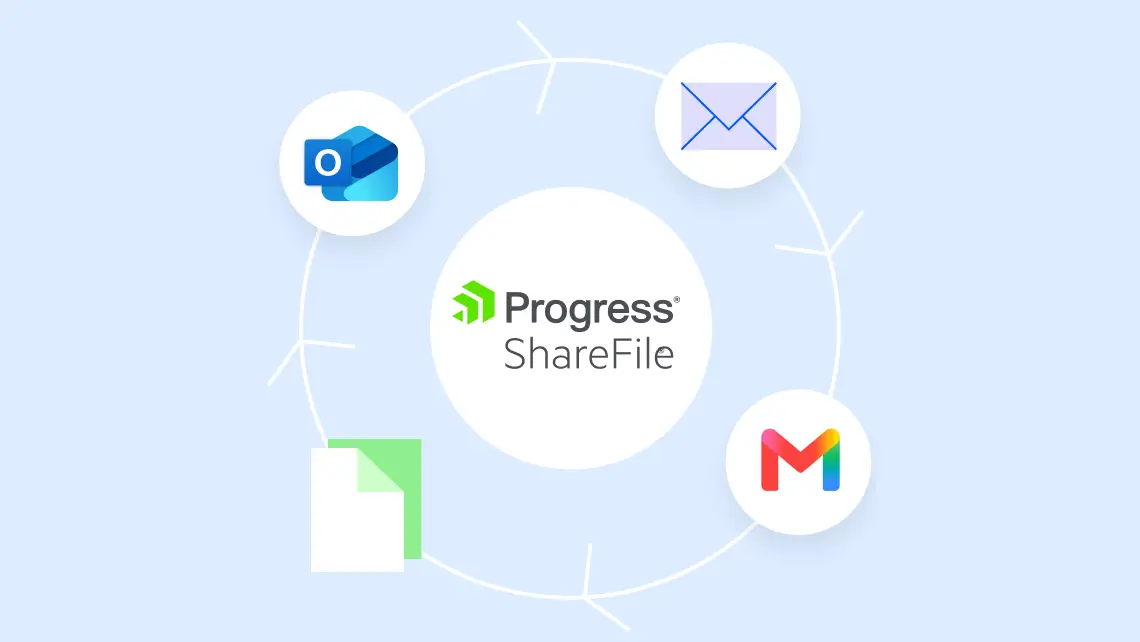
Use ShareFile integrations for Microsoft Outlook, Outlook Online and Gmail to share documents through secure links from the email tools your team already knows.
- Replace traditional email attachments with secure ShareFile links in Outlook
- Help bypass common attachment size restrictions when sending large files
- Share links to ShareFile folders and documents from Gmail
Build Custom Document Workflow Integrations
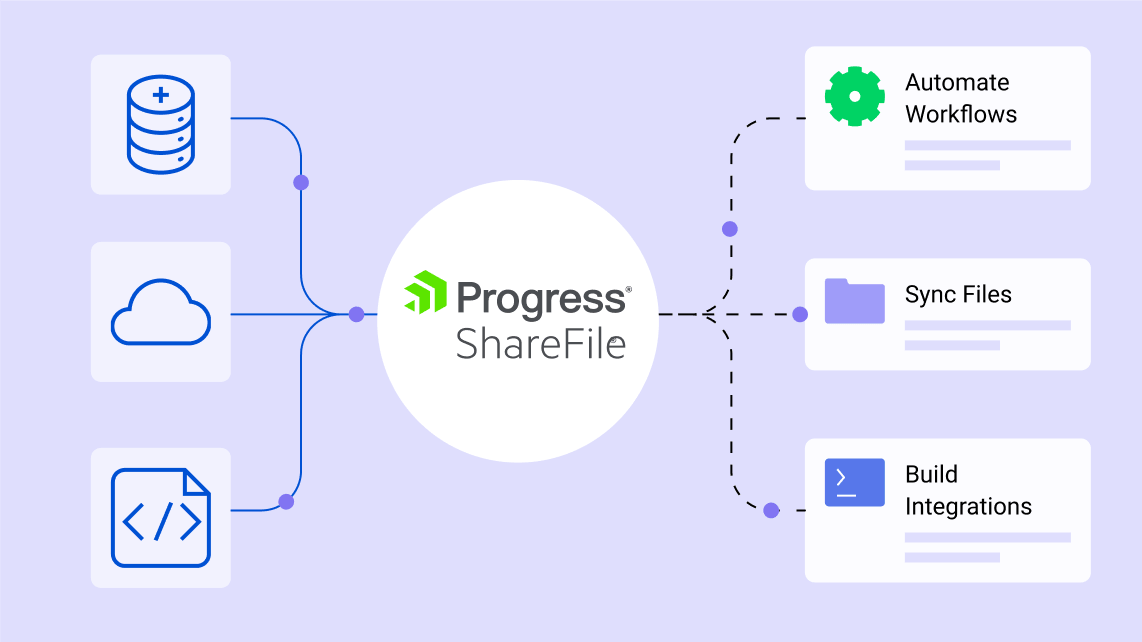
When an out-of-the-box connection does not fit your process, the ShareFile API gives developers tools to integrate with other services and build applications on top of ShareFile software.
- Use REST API resources to work with ShareFile accounts, users, files, folders, shares and workflows
- Use webhooks to respond to supported ShareFile events
- Access authentication guidance, code samples and available SDKs in the developer documentation
How ShareFile Integrations Work
Installation varies by connection, but ShareFile Catalog integrations follow a simple path that helps teams connect supported third-party applications without coding.
From the ShareFile dashboard, open the user menu and select Catalog.
integration
Find the supported application you want to connect and choose Install.
Select New Connection, enter a name for the connection and sign in to the third-party application.
prompts
Authorize the connection and configure the available workflow for your organization.
Spend Less Time Switching Between Apps
ShareFile integrations help connect steps that otherwise depend on downloads, uploads, copied data and manual follow-up.
| Disconnected App Switching | ShareFile Integrations |
|---|---|
| Download and re-upload files between systems | Move or access supported documents through connected applications |
| Re-enter client information in multiple tools | Sync supported client or lead data into the ShareFile platform |
| Send large or sensitive attachments by email | Share secure ShareFile links from supported inbox integrations |
| Check multiple apps for workflow status | Keep document actions connected to the systems where work is managed |
Integrations for Common Client Workflows
Explore ShareFile integrations based on the workflows your team wants to improve, from document sharing to client data management.
Share secure links and keep files accessible in everyday work tools.
Example connections: Outlook, Gmail, Microsoft 365, Google Workspace
Connect client records with document intake and onboarding workflows.
Example connections: Salesforce, Pipedrive, Redtail CRM
Reduce manual file handling across financial and client-service processes.
Example connections: QuickBooks, Xero, FreshBooks, Hubdoc
Trigger actions, move information and build custom document workflow integrations.
Example connections: Zapier and ShareFile API
Bring secure documents into specialized applications and project workflows.
Example connections: crypt Sfax, SmartBid, TrialPad and other partner tools
Built for Document-Heavy Client Work Across Industries
Whether you're managing financial documents, legal matters, construction projects or client engagements, ShareFile software helps teams securely collect information, coordinate approvals and keep work moving through connected client workflows.
Accounting
Simplify engagement letters, tax season intake, organizer collection, KYC forms and recurring document workflows for advisory, tax and audit clients.
Legal
Streamline new matter intake, retainer agreements, conflict checks and supporting document collection for law firms.
Financial Services
Accelerate investment account setup, client authorizations, risk forms and compliance document collection for financial advisors and service teams.
Healthcare
Collect patient forms, consent documents, insurance information and medical records in one secure, structured workflow.
Construction
Coordinate project documentation, contracts, permits, change orders and approvals across clients, subcontractors and stakeholders. Keep files organized and accessible while managing who can view, upload or modify information.
Featured ShareFile Integrations
Connect ShareFile software with popular business applications to keep client information and documents moving through more complete workflows.

Microsoft 365
share files directly from Outlook, Word, Excel and PowerPoint.

Google Worksplace
share secure file links through Gmail and Google Drive integrations.

Salesforce
support lead management and client onboarding.

Zapier
connect ShareFile with 4,000+ applications.
Mobile Apps
for iOS and Android to support secure access from anywhere.
FAQs
Does ShareFile integrate with Salesforce?
Yes. ShareFile software offers Salesforce integrations that allow organizations to import Salesforce leads into the ShareFile platform, reduce duplicate data entry and streamline onboarding workflows. The ShareFile Catalog also supports Salesforce-based document workflows and data synchronization.

Connect Your Tools. Keep Client Work Moving.
Bring secure document workflows into the apps your team already uses. With ShareFile integrations, third-party connections and developer tools, you can reduce manual steps while keeping client files and work connected.