7 Signs Your Document Workflow Is Slowing Growth

Share the article
ShareFile for Your Firm
Secure document workflows your team and clients will actually use
Get StartedKey Takeaways
Watch out for any of these seven indicators that a document workflow is not scaling effectively and may be limiting business growth.
Growth puts pressure on every operational process inside a business, and document workflows are often one of the first areas where that pressure becomes visible.
Document workflows sit at the center of how most businesses operate. Contracts need to be signed, onboarding documents collected, approvals routed and records stored correctly.
When those systems are well-designed, they fade into the background and work almost invisibly. When they are not, the friction compounds across every project, team and client interaction.
A process that works well with 20 clients can quickly become difficult to manage at 50. What once felt organized and manageable starts producing delays, bottlenecks, duplicated work and frustrated teams as document volume increases.
The seven signs below are common indicators that a document workflow is no longer scaling effectively with the business and may be actively limiting growth.
1. Your Team Spends Too Much Time Chasing Documents
If a meaningful portion of your team’s week goes toward sending follow-up emails, tracking down missing files or asking clients when they plan to submit outstanding documents, the issue is usually not the client. It’s the workflow.
Manual chasing is often a sign that the process depends too heavily on people managing tasks that should be handled automatically by the system itself.
The cost goes beyond the time spent on reminders. It’s the cognitive load of tracking multiple open requests across different clients simultaneously, the delays that accumulate when a missing document holds up an entire project, and the professional friction that repeated chasing introduces into a client relationship.
What to Do Instead
Replace manual follow-up with automated reminders tied to submission deadlines. When a client has not uploaded a required document by a set date, the system flags it and sends a reminder without anyone on your team having to initiate it.
2. Documents Are Spread Across Multiple Channels
Some clients email files. Others use WhatsApp. Some drop things in a shared Google Drive folder while others hand over USB drives or send physical copies.
When document collection has no single, defined channel, the team ends up managing a fragmented picture; pulling files from multiple places, reconciling submissions and trying to maintain a complete record across sources that were never designed to work together.
Beyond the operational burden, channel fragmentation creates risk, where files can be overlooked, outdated versions may be used accidentally and sensitive information can end up being shared through channels that sit outside the organization’s controls.
What to Do Instead
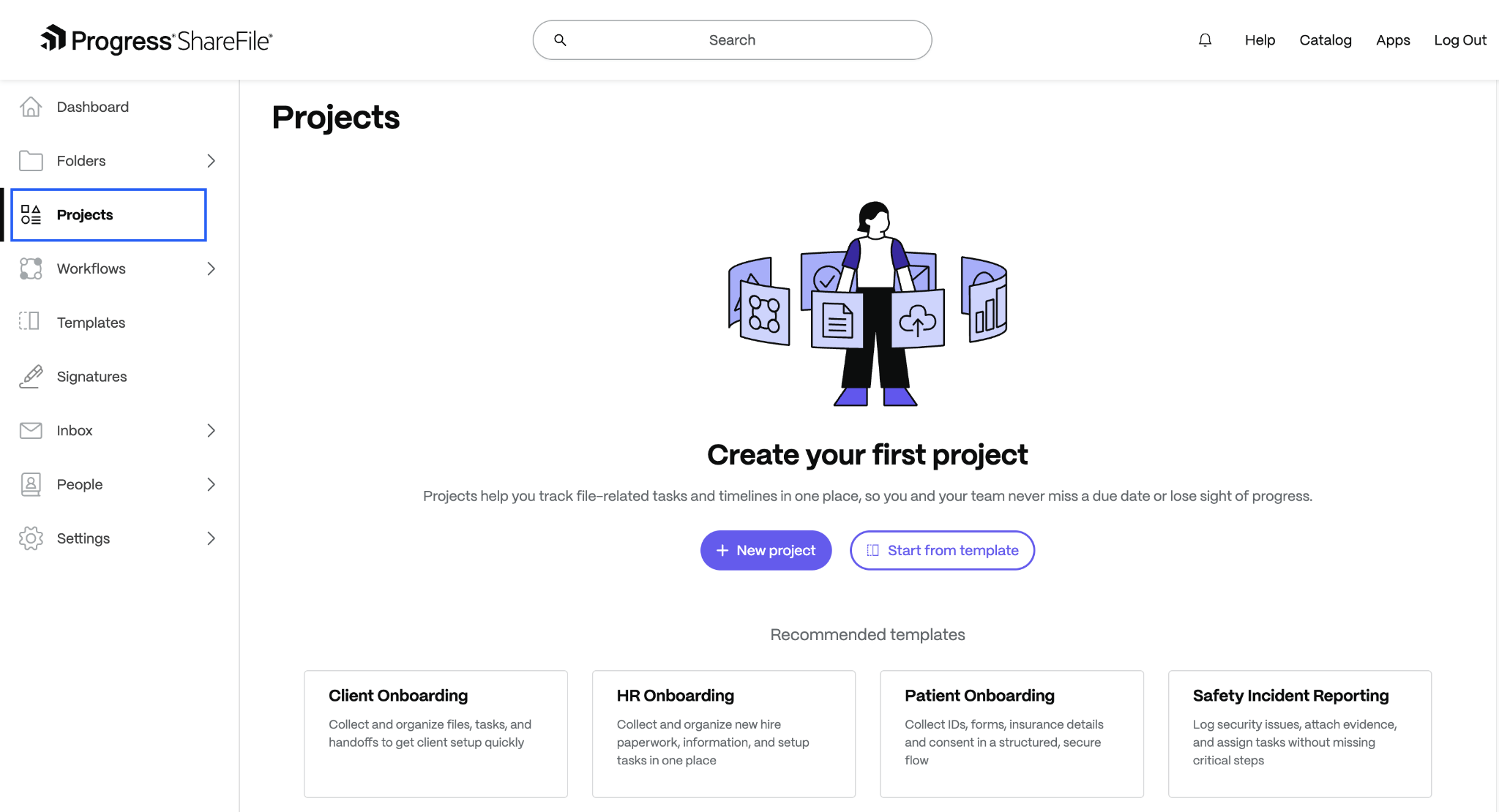
Establish one channel for all document exchange and make it easy enough that clients default to it without needing to be reminded. A secure client portal, like Progress ShareFile, gives both parties a single environment where requests are made, files are submitted and the status of each item is visible at all times.
3. You Have No Real-Time View of What Has Been Received
If answering the question “What documents are still outstanding for this client?” requires checking email threads, updating spreadsheets or asking colleagues for status updates, the workflow likely lacks adequate visibility.
Without a live view of submission status, teams often rely on fragmented information and manual tracking to manage document collection. As workloads increase, this makes it harder to identify delays early, monitor progress consistently or confirm whether all required files have actually been received.
What to Do Instead
Move to a platform where submission status updates automatically when a file is received. Every team member with access to a client’s workspace should be able to see at a glance, what has come in and what’s pending/overdue, without needing to check with anyone else.
4. Onboarding New Clients Takes Longer Than It Should
Client onboarding is one of the highest-stakes moments in a business relationship. It sets the tone for everything that follows.
When the onboarding process involves sending a list of required documents by email, waiting for them to arrive through various channels, chasing the ones that have not and manually logging what has been received, the experience is slow and disjointed for both the client and the team.
A drawn-out onboarding also has a direct commercial cost. The longer it takes to collect what is needed, the longer it takes to begin delivering the service the client has paid for. At scale, onboarding bottlenecks cap how many new clients a business can take on at any given time.
What to Do Instead
Build a standardized onboarding document request that goes out automatically when a new client is added. Every required item is listed clearly, the client knows exactly where to submit everything and the team can track progress without any manual coordination. Consistent, repeatable onboarding is faster for everyone and makes a stronger first impression.
5. Version Confusion Is a Regular Occurrence
When documents are exchanged over email, version control breaks down almost immediately.
A contract is drafted, sent, revised by the client, returned, revised again and resent, and within a short time there are four versions of the same document sitting across two inboxes with no clear indication of which one is current. When someone works from the wrong version, the consequences range from embarrassing to genuinely costly.
Version confusion also slows decisions. Before anyone can move forward, someone has to reconcile the different copies, confirm which changes were accepted and establish which version is authoritative.
In time-sensitive workflows (legal, financial, compliance) that reconciliation process introduces delays that erode trust and extend timelines.
What to Do Instead
Keep all documents in a managed environment where version history is tracked automatically and the latest version is always clearly identifiable. This allows teams to see what changed, when it changed and who made the update without relying on manual reconciliation.
6. Compliance Is Difficult to Demonstrate
Businesses in regulated industries (or those that handle any personal data) are required to demonstrate that they know where sensitive information is, who has accessed it and how it has been handled.
When documents are collected via email, stored across inboxes and tracked through spreadsheets, that demonstration becomes very difficult to make.
If a regulator, auditor or client asks for evidence that a specific document was received on a specific date, accessed only by authorized individuals and handled in accordance with data protection requirements, an email thread is not a reliable record.
The absence of proper documentation creates exposure that grows in proportion to the sensitivity of the data being handled.
What to Do Instead
Use a platform that maintains a full audit trail, recording when each document was submitted, who accessed it and any actions taken on it. When compliance evidence is needed, it exists automatically rather than requiring someone to reconstruct a timeline from scattered records.
7. Your Process Does Not Scale With Your Team
Perhaps the clearest signal that a document workflow is holding back growth is when adding clients or team members makes the process harder rather than simply bigger.
If bringing on a new staff member means training them on an undocumented set of email conventions and spreadsheet workarounds, or if taking on 10 more clients would require hiring someone specifically to manage document chasing, the workflow is not scalable. It’s fragile.
Scalable workflows are built on systems, not individual effort. They produce the same output regardless of whether one person or 10 are involved, and they do not require proportionally more administration as volume increases.
When the current process depends on specific people knowing where things are and how things work, the business is carrying a risk it may not have fully accounted for.
What to Do Instead
Design the workflow around the platform, not the people. When document requests, reminders, tracking and storage all happen within a defined system, new team members can be onboarded quickly and additional clients can be added without a corresponding increase in administrative overhead. The process runs the same way whether the team is five people or 50.
Concluding Thoughts
Each of these seven signs points to the same underlying issue: a document workflow that was built for a smaller, simpler operation and has not kept pace with the demands placed on it.
The individual symptoms (slow onboarding, version confusion, compliance gaps, constant chasing) can feel like separate problems. But they are usually the same problem showing up in different places.
Fixing it does not require rebuilding the business from scratch.
Progress ShareFile software is designed to replace that reactive, manual approach with a single structured workspace, one place where document requests go out, files are submitted, reminders run automatically, statuses update in real time and signatures are collected.
ShareFile customers report collecting documents 3.5 times faster on average, with 82% saying the platform makes working with clients noticeably simpler. A process that is clear, organized and consistent communicates something important about the business behind it.
Topics
-
Client Engagement
-
VDR
-
File Management
-
File Sharing
-
Integrated E-signature
-
Apps and Integrations
-
Workflow Automation
-
Security and Compliance
Subscribe to ShareFeed Today
Stay ahead with the latest ShareFile releases, feature enhancements, and product updates delivered monthly straight to your inbox.

John Iwuozor is a freelance writer for cybersecurity and B2B SaaS brands. He has written for a host of top brands, the likes of ForbesAdvisor, Technologyadvice and Tripwire, among others. He’s an avid chess player and loves exploring new domains.
Related Posts