ShareFile Solutions for Emails, Attachments and Files
Help protect sensitive files across email and external sharing with ShareFile encryption, secure file links and access controls.
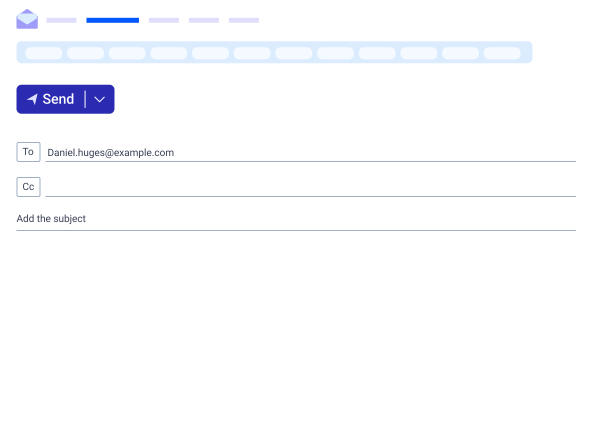
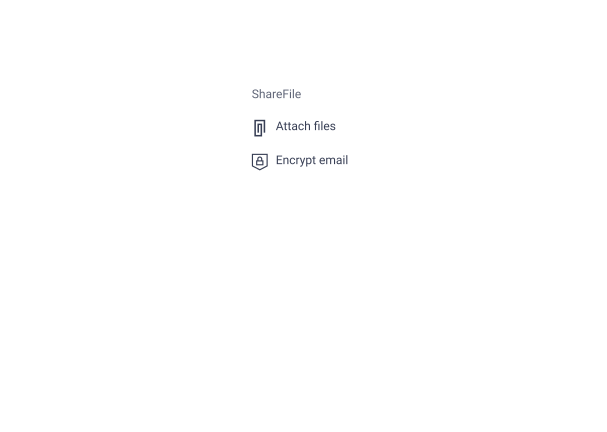
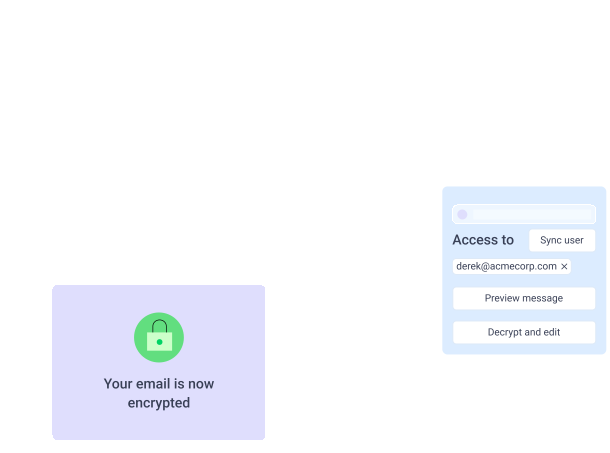
Extend Protection Beyond the Inbox
Sensitive client work often starts in email, but traditional attachments can introduce file-size limits, multiple file versions and limited control after the send button is clicked. Progress® ShareFile® software helps teams send encrypted emails, replace attachments with secure file links and manage access to sensitive content from one connected platform.
Send Files Securely from the Email Tools You Already Use
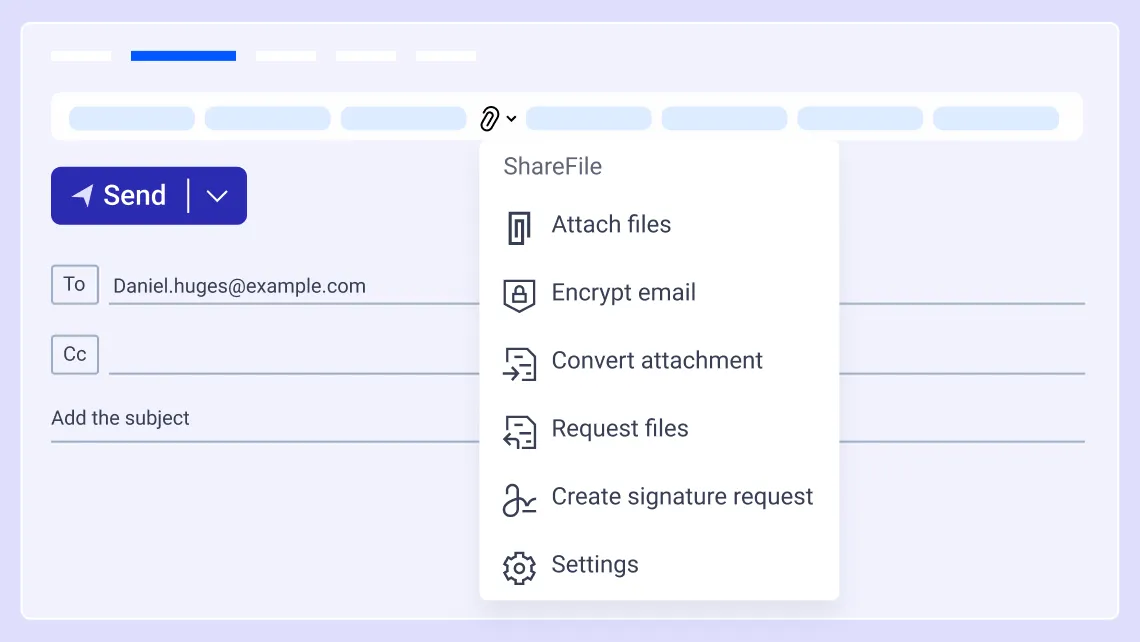
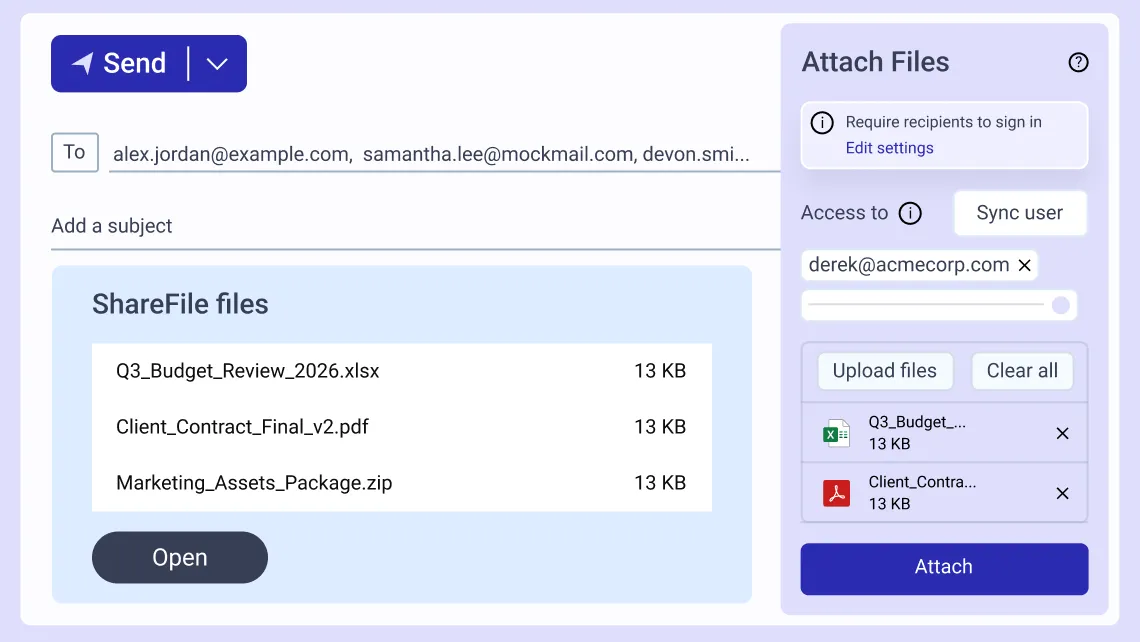
Keep work moving in Microsoft Outlook or Gmail, while ShareFile software supports secure email encryption and controlled document exchange. Replace attachments with secure file links in familiar email tools to help protect messages, attachments and files without disrupting the way you work.
- Integrate ShareFile software with tools you already use, such as Microsoft Outlook and Gmail
- Replace large or sensitive attachments with secure ShareFile links
- Keep familiar email workflows while adding more control over file access
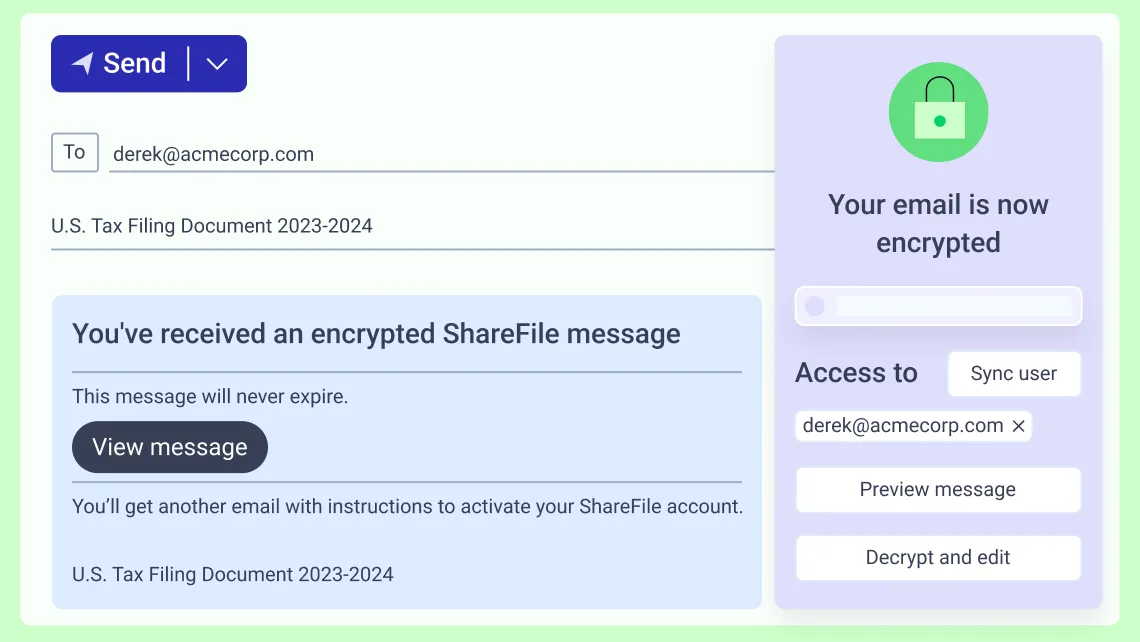
Help Protect Files in Transit and
at Rest
Sharefile software uses secure email encryption for information in transit and at rest. Files uploaded to the ShareFile platform are saved with AES 256 bit key encryption — helping teams keep documents and shared content protected throughout everyday collaboration.
- Encrypt emails and files during transfer between ShareFile users
- Help protect stored files with encryption
- Support secure file sharing with clients, vendors and other external recipients
Manage File Access Beyond Email
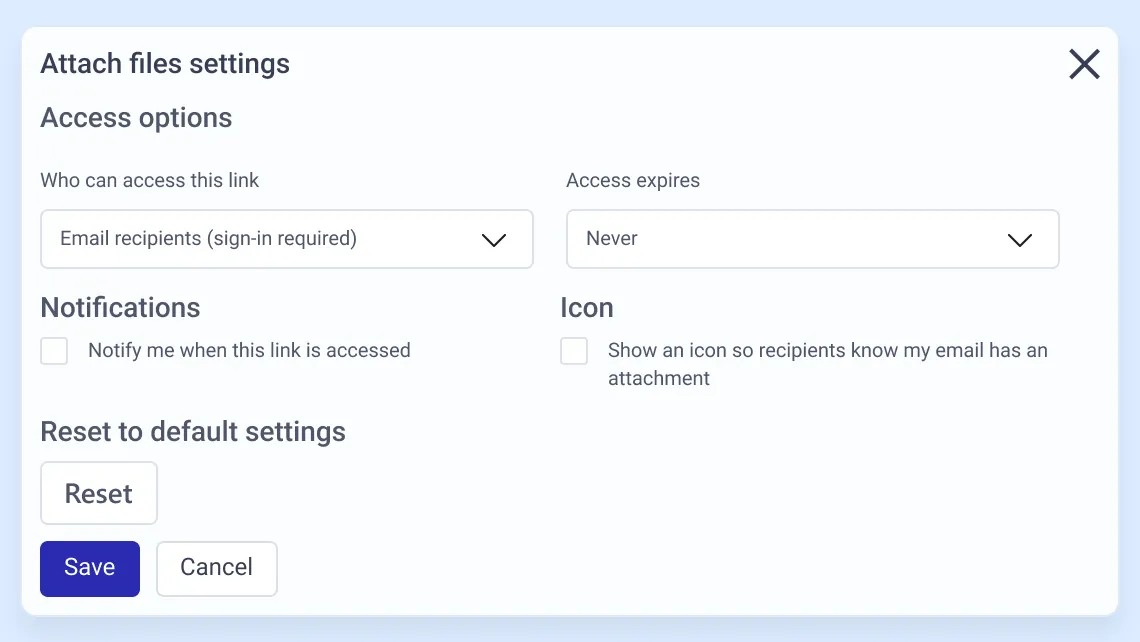
When documents are shared through ShareFile software, you can manage who has access and what recipients can do with them. This provides greater control over sensitive information than sending files as traditional email attachments.
- Require recipients to sign in before accessing sensitive files
- Set link expiration dates and limit the number of downloads
- Apply view, download, upload, edit or delete permissions based on the workflow
Make Secure Sharing Easy for Clients
Security works best when it doesn't add unnecessary friction. Clients and other recipients can open secure file links in a browser, while ShareFile software provides a consistent experience for exchanging sensitive information throughout the relationship.
- Share content with clients, vendors and others who don't use the platform
- Keep secure exchanges connected with branded client-facing experiences
- Support work from the office, at home or on the go across web and mobile
How to Send Encrypted Emails with ShareFile Software
1
Compose
Start a message in Outlook, Gmail, or the ShareFile web app.
2
Encrypt
Add files through ShareFile software for encrypted sharing.
3
Send Securely
Replace attachments with secure file links and choose access settings.
4
Recipient Access
Recipients open the link based on the permissions set.
Key Encryption Terms
- Secure email encryption: Protection that helps keep sensitive email content and related files secure during exchange.
- Encrypted sharing: Sharing files through protected links instead of uncontrolled attachments.
- Encryption in transit: Protection of emails and files while they move between users and ShareFile software.
- Encryption at rest: Protection of files while they are stored in ShareFile software.
Standard Email Attachments vs. ShareFile Encrypted Sharing
| Need | Standard Email Attachments | ShareFile Encrypted Sharing |
|---|---|---|
| Sending large or sensitive files | May be limited by file-size and inbox restrictions | Uses secure file links to share documents without relying on large attachments. Files uploaded and downloaded with ShareFile are supported with TLS 1.2. |
| Controlling access after email delivery | Limited control once an attachment leaves the inbox | Supports permission-based access, expiration settings and download controls. |
| Protecting files | Protection depends on email settings and recipient handling | Content and files are encrypted with AES256 bit key and reside within ShareFile. A secure link to access the content and files can be sent to clients and employees. |
Built for Secure Client Collaboration Across Industries
For regulated, professional services and project-based industries with document-heavy client-facing workflows, ShareFile helps teams securely collect information, exchange files, facilitate approvals and keep work moving efficiently.
Accounting
Exchange tax documents, financial statements and other sensitive client files through secure sharing. Keep information organized while supporting document collection, approvals and ongoing client work.
Learn MoreLegal
Exchange sensitive documents through secure client portals with permission-based access controls. Manage matter and case files, collect legally-binding signatures and maintain audit trails across client interactions.
Learn MoreFinancial Services
Streamline onboarding, account servicing and compliance-related workflows with secure document collection, approvals and information exchange that supports FINRA compliance requirements. Maintain visibility into client activity while supporting the secure handling of confidential information.
Learn MoreHealthcare
Securely share documents, images and other files across patient care and administrative workflows. Support the secure handling of protected health information and related privacy requirements with capabilities that support HIPAA compliance.
Learn MoreConstruction
Coordinate project documentation, contracts, permits, change orders and approvals across clients, subcontractors and other stakeholders. Keep files organized and accessible while controlling who can view, upload or modify information.
Learn MoreBuilt to Work with Existing Workflows
ShareFile software integrates with familiar business tools teams already use to support secure collaboration within existing workflows.

Microsoft 365
share files directly from Outlook, Word, Excel and PowerPoint.

Google Worksplace
share secure file links through Gmail and Google Drive integrations.

Salesforce
support lead management and client onboarding.

Zapier
connect ShareFile with 4,000+ applications.
Mobile Apps
for iOS and Android to support secure access from anywhere.

20+ Years as a Trusted Leader in Collaboration
"ShareFile's advanced security measures, such as encryption and password protection, instills confidence in my tax clients when sharing sensitive financial information. It has simplified the process of securely exchanging large files, eliminating the need for email attachments in some cases."
Jinay Shah Owner, NinetyFive CPA
FAQs
-
Is ShareFile software encrypted?
ShareFile software helps protect email content and files with encryption in transit and at rest, secure file links and granular access controls. ShareFile capabilities combine email encryption with expiration settings, activity logs and integrated Outlook and Gmail workflows—balancing strong protection with the control and usability businesses need for everyday client collaboration.
-
Does ShareFile software offer encrypted email?
Yes. ShareFile software supports encrypted email to help protect sensitive message content and files. Emails and files are protected during transfer and storage and secure file links can be used in place of traditional attachments for greater control over access.
-
What is encrypted file sharing?
Encrypted file sharing is the secure exchange of files using encryption and controlled access rather than relying on traditional email attachments or unmonitored public share drives. With ShareFile software, files can be shared through secure links, with options such as recipient authentication, expiration settings, download limits and permissions.
-
Can ShareFile software send large encrypted files by email?
Yes. ShareFile software can replace large email attachments with secure links, allowing files to be shared without the size constraints of traditional attachments. Access settings can also be applied to control how recipients interact with shared files.
-
Can I send encrypted files to people outside of my organization?
Yes. ShareFile software can be used to send encrypted files to clients, vendors and other external recipients, including people who do not use the platform. Secure file links can be shared with advanced controls such as sign-in requirements, expiration settings, download limits and permission-based access.

Help Protect Sensitive Files Without Complicating Email and Sharing
Use ShareFile encrypted email, encrypted file sharing, secure links and access controls to help protect client information and keep work moving.